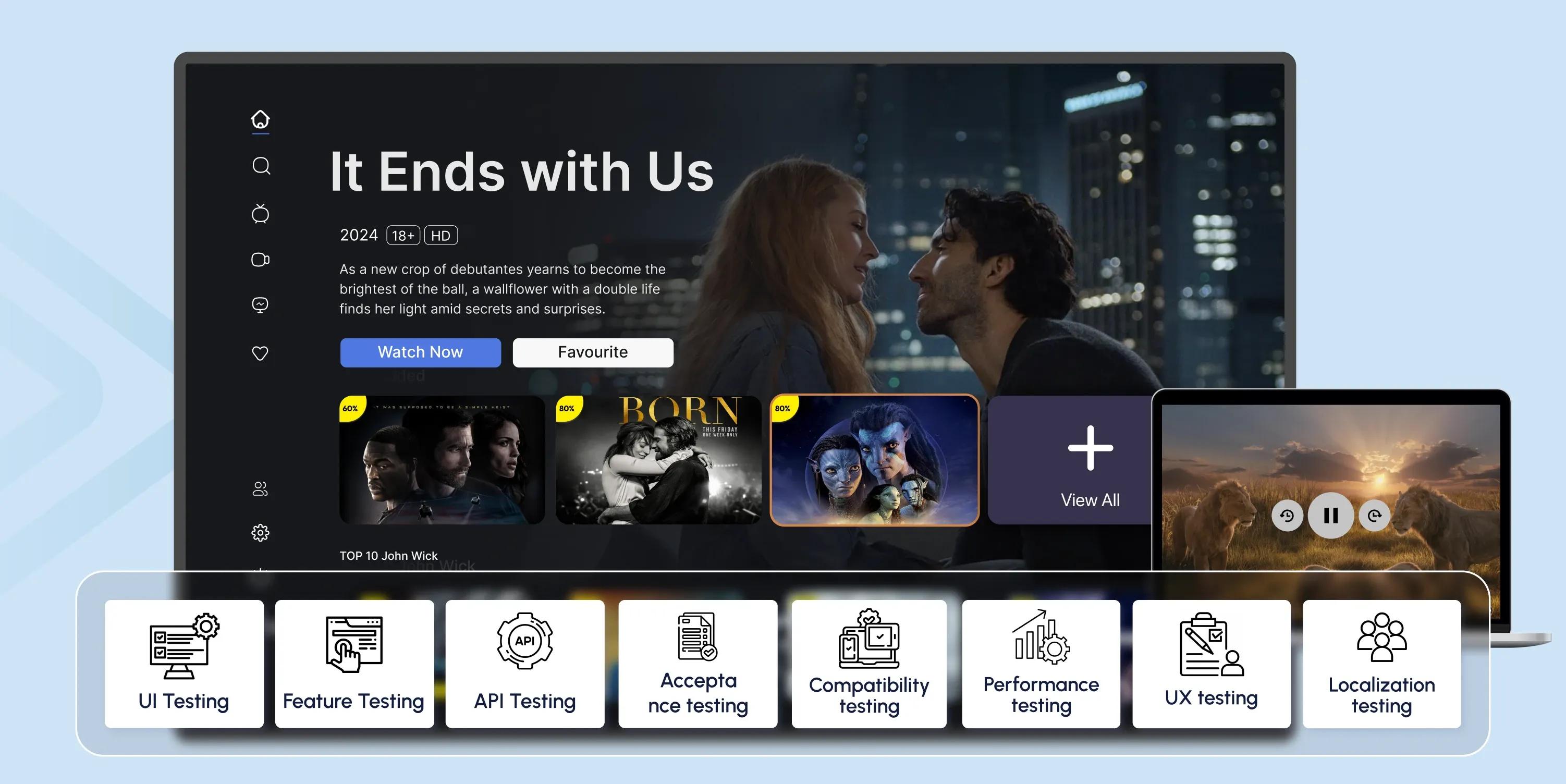
OTT Testing: Ensuring High-Quality Streaming Experiences

As viewers shift away from traditional broadcasting and physical media, they expect flawless playback, responsive interfaces, and uninterrupted streaming—and that’s where OTT testing comes in.
OTT application testing addresses user interface (UI) and user experience (UX) issues before content reaches viewers.
But what is OTT testing, exactly?
Read on to find the answer and ensure top-tier performance for your users.
Key Takeaways
- OTT testing ensures high-quality user experiences by identifying bugs, performance issues, and usability concerns.
- It includes assessments of UI and UX to enhance functionality and user satisfaction.
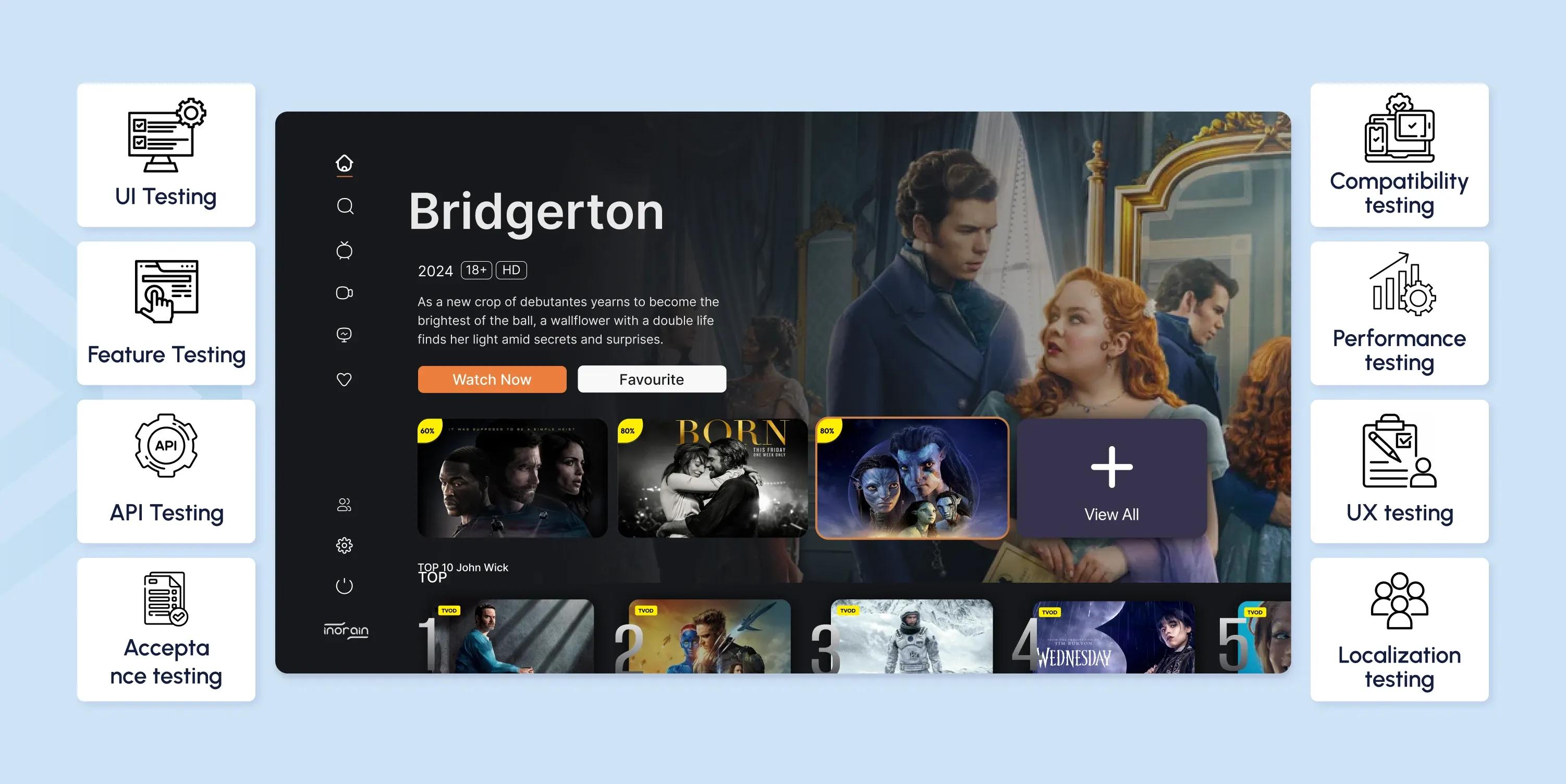
- Key OTT platform testing types include functional, performance, security, compatibility, accessibility, geolocation, and localization.
- Developers tackle challenges like network interruptions, device and browser inconsistencies, app crashes, and cybersecurity threats with robust testing and continuous updates.
What is OTT Testing?
OTT testing (over-the-top testing) evaluates your OTT streaming platform, application, or media service to ensure seamless performance, functionality, and user experience across various devices and networks.
OTT testing primarily focuses on two critical areas: the user interface (UI) and user experience (UX).
- To ensure seamless functionality, UI testing involves inspecting the app's front-end elements, such as buttons, menus, and other interactive components.
- UX testing examines the app's back-end performance, examining how users interact with the platform to identify pain points or areas of confusion.
Why Does OTT Testing Matter?
The digital revolution brings its own set of challenges. Unlike the physical media of the past, digital content is vulnerable to software bugs and streaming failures.
Collecting feedback through OTT experience and OTT testing improves overall usability. Streaming platforms can attract and retain more customers by addressing any issues and enhancing the user experience, ultimately boosting industry revenue.
Investing in manual and automated OTT testing helps developers ensure their platforms deliver high-quality content, optimal performance, and an exceptional user experience.
Key Areas of OTT Testing
To ensure a seamless user experience, over-the-top (OTT) platforms must undergo strict testing across various parameters. Here's a closer look at the key areas of OTT testing:
| Testing Type | How It's Done |
|---|---|
| Functional Testing | Developers test sign-up, login, video playback, content delivery, and payment processing for smooth operation. |
| Compatibility Testing | The platform is tested on various devices (smartphones, tablets, smart TVs, laptops) and browsers to provide a consistent experience. |
| Performance Testing | Evaluates load capacity, concurrent streaming ability, buffering, and response times during peak usage. |
| OTT Media Testing | Tests audio, video, and streaming quality across different devices, platforms, and network conditions. |
| Network Testing | Assesses connectivity issues, stream initiation failures, and buffering across various network conditions. |
| Security Testing | Reviews data encryption, user authentication, and secure payment processes to identify vulnerabilities. |
| Geolocation Testing | Ensures content is delivered based on users' geographical locations, maintaining legal compliance. |
| Localization Testing | Adapts content, UI, and languages to cater to different regions and cultural preferences. |
| API Testing | Tests interactions between software components to ensure smooth data exchange and integration. |
| Accessibility Testing | Evaluates features like text-to-speech, subtitles, and keyboard navigation for inclusivity. |
| Acceptance Testing | Involves end-users to confirm the platform meets expectations before launch. |
| Smoke Testing | Conducts initial checks to identify major issues before updates or bug fixes. |
| Regression Testing | Ensures updates or bug fixes don’t disrupt existing functionality, often using automation testing. |
| QA Audit | Performs a final review of the platform to ensure quality, performance, and industry compliance. |
5 Best Practices for OTT Testing
While each platform has its unique features, there are standard testing practices that can help maintain high-quality performance across the board. Here are the five best practices for OTT application testing:
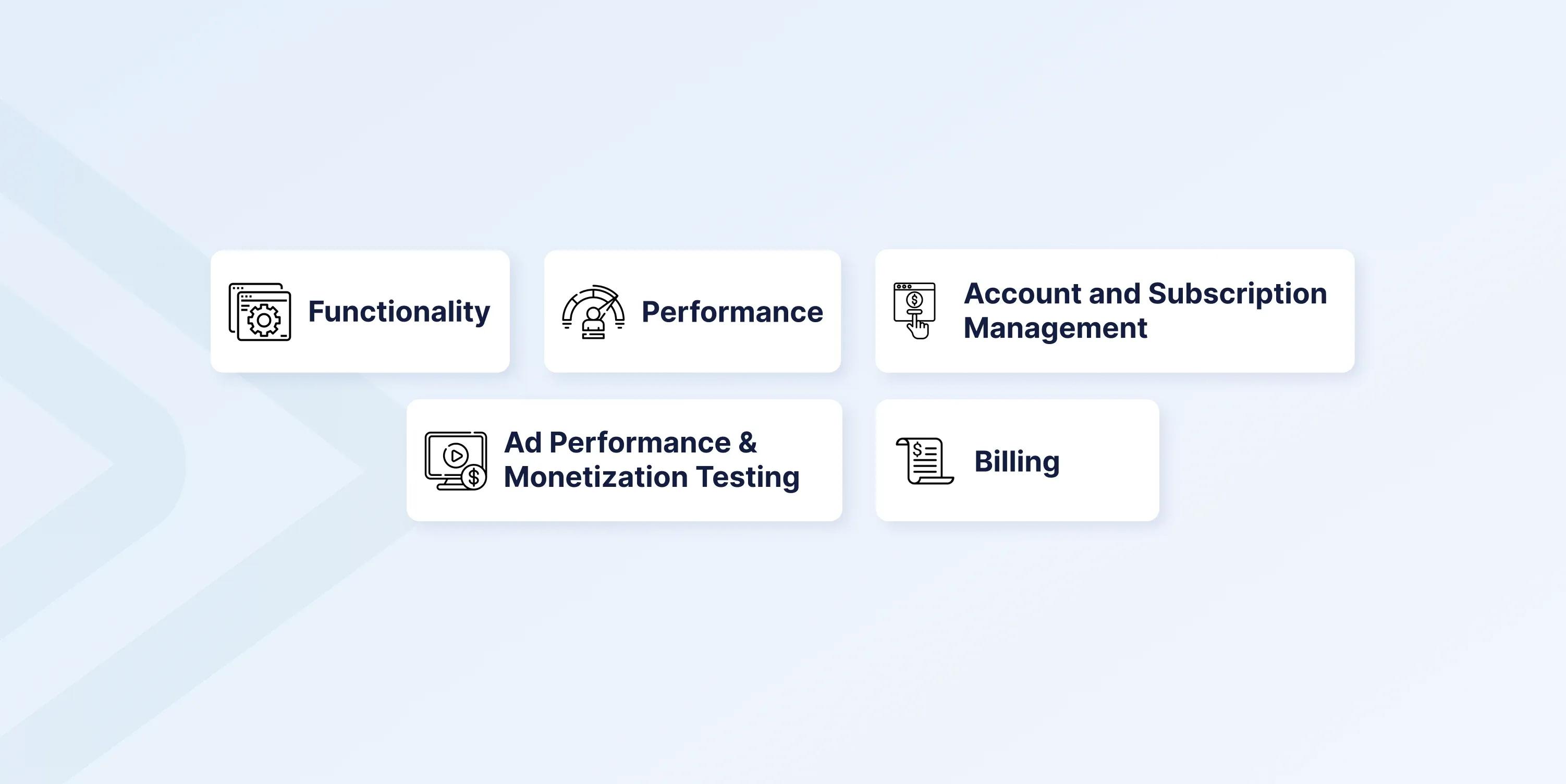
1. Functionality
Video Recommendations: Test the accuracy and relevance of video recommendation algorithms to enhance user engagement.
Content Indexing: For a smooth user experience, verify that content is easily searchable by title, genre, and other categories.
Feature Verification: OTT platform reliability testing confirms the functionality of features like autoplay, skip intro, and watchlist. Users should be able to resume playback effortlessly.
Content Differentiation: Check that users can easily distinguish between watched and new videos.
Content Sharing: Test the ability to share content with friends and family across various communication platforms.
Detailed Information: Verify that users can access comprehensive video details, including cast, director, producer, duration, number of episodes, and a brief synopsis.
2. Performance
Audio-Video Sync: Verify that audio and video are perfectly synchronized.
Subtitle Functionality: Ensure subtitles are easy to toggle, switch between languages, and remain in sync with the video.
Language Options: Check if users can change the stream’s language without playback issues.
Streaming Quality: Assess how streaming quality is affected when multiple devices are connected to the internet. If your platform supports adaptive bitrate streaming, verify that streaming quality adjusts dynamically based on network speed.
Network and Bandwidth: Test various network options and bandwidths to ensure uninterrupted streaming.
Offline Viewing: Verify that users can download and watch content offline.
Platform Stability: OTT platform testing ensures stability when multiple users are connected simultaneously.
3. Account and Subscription Management
Access Control: If you use a subscription-based model, validate that users can only access content included in their subscription. Alternatively, ensure that users can gain secure access to your content library.
User Limits: Ensure the correct number of users can access your content based on their subscription plan or account type.
Account Information: Conduct OTT testing to ensure that users can access detailed information about their plan, including membership, billing, and logged-in devices.
User Profiles: Verify support for multiple user profiles, ensuring each profile has distinct watchlists, history, downloaded content, and recommendations.
Geolocation Testing: Perform geolocation testing to ensure users receive appropriate pricing plans, content availability, and content rights based on location.
4. Billing
Payment Options: Ensure the app supports standard payment methods, such as credit cards, debit cards, internet banking, and digital wallets.
Payment Failures: Test different payment failure scenarios and ensure users receive appropriate support.
Auto-Renewal: Verify the auto-renewal feature and ensure users receive regular notifications.
Receipt Management: Check that payment receipts are downloadable and sent via email, with necessary details encrypted for security.
5. Ad Performance and Monetization Testing
For AVOD and FAST platforms, seamless ad insertion, testing ad targeting accuracy, latency, and engagement tracking are essential for maximizing revenue. Effective OTT ad performance testing helps optimize monetization strategies by focusing on:
Ad Targeting Accuracy: Making sure that ads are delivered to the right audience segments based on demographics, viewing habits, and preferences.
Seamless Ad Insertion: Testing for smooth transitions between content and ads to prevent playback interruptions or delays.
Engagement Tracking and Analytics: Monitoring ad completion rates, user interaction, and drop-off points to refine ad strategies and maximize ROI.
OTT Testing Tools and Environments
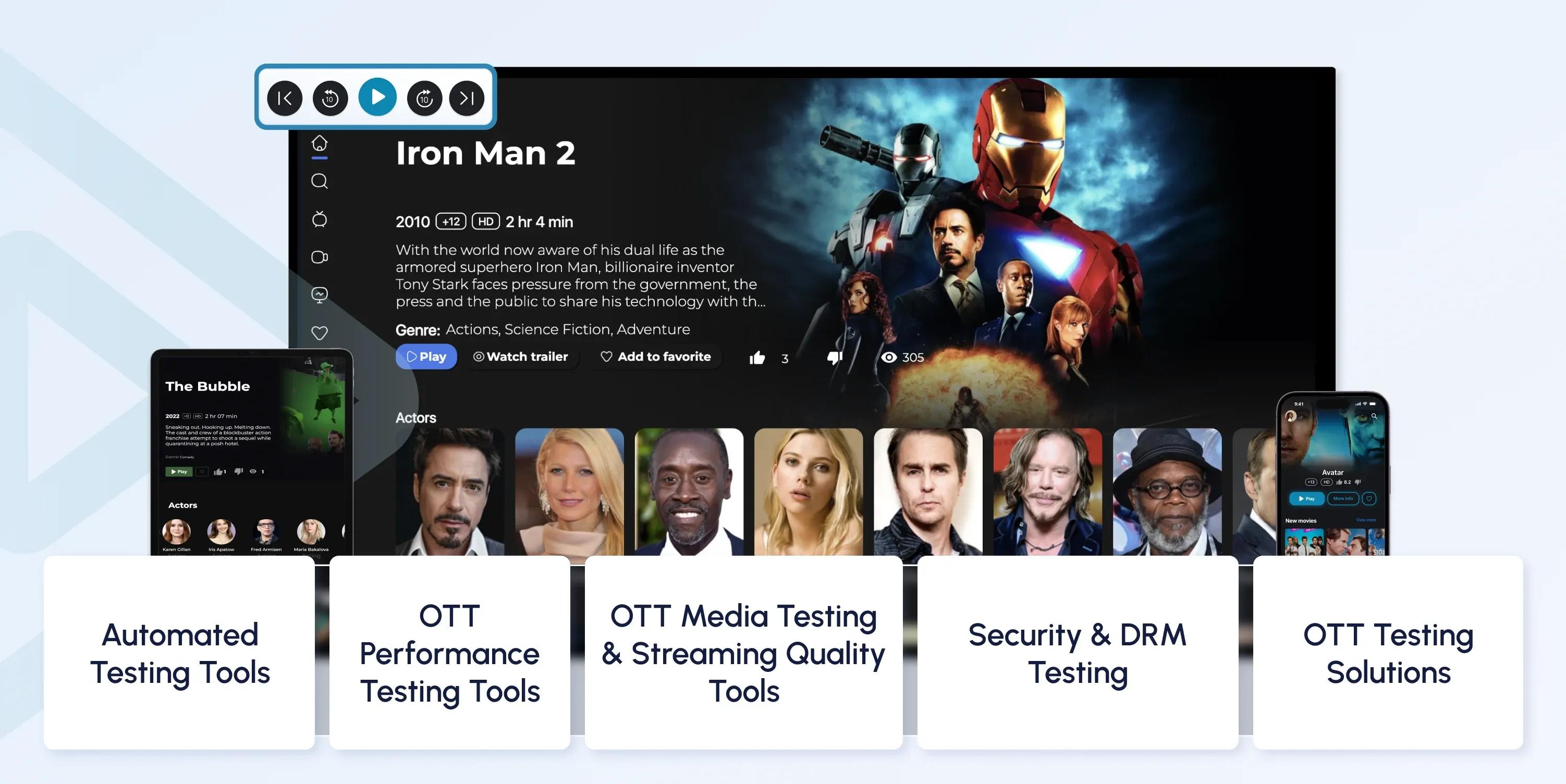
Developers rely on various testing tools and environments to achieve their testing goals.
Below are some of the most popular ones:
Automated Testing Tools
Automated testing tools help streamline OTT application testing by reducing manual effort and improving efficiency. These tools ensure smooth navigation, responsive UI, and seamless playback across different devices and platforms.
- Selenium: An open-source tool for OTT application testing across web browsers.
- Appium: Another open-source tool ideal for OTT app testing on Android TV, Apple TV, and mobile devices.
- TestComplete: A UI automation tool ideal for testing OTT platform reliability and functionality.
OTT Performance Testing Tools
Performance testing ensures that OTT platforms can handle high traffic, network fluctuations, and varying device capabilities. To optimize the user experience, these tools help identify latency issues, buffering problems, and server load limitations.
- JMeter: Simulates multiple users to test server load, buffering, and playback quality.
- LoadRunner: Assesses OTT performance testing under different network conditions.
- Cloud-based Testing (AWS Device Farm, BrowserStack): Allows testing across real devices and network conditions.
OTT Media Testing and Streaming Quality Tools
Maintaining high audio and video quality is crucial for OTT platforms. These tools test for streaming reliability, adaptive bitrate adjustments, and playback consistency, ensuring a smooth experience across all devices and network conditions.
- Bitmovin Analytics: Monitors streaming performance, adaptive bitrate (ABR), and buffering rates.
- Conviva: Provides real-time analytics on video playback issues, engagement, and Quality of Experience (QoE).
- StreamTest: This OTT media testing tool tests OTT media performance, latency, and video/audio synchronization.
Security and DRM (Digital Rights Management) Testing
With rising concerns about content piracy and unauthorized access, security testing is essential for OTT platforms. DRM and security tools protect licensed content, encrypt user data, and prevent breaches, ensuring compliance with industry regulations.
- Widevine, FairPlay, PlayReady: Ensures OTT content security and piracy prevention.
- Burp Suite: An application used to test web applications that can identify security vulnerabilities in web-based OTT applications.
- OWASP ZAP: A free, open-source web app scanner that can be used for OTT testing, as it helps detect and mitigate web application security threats.
Steps to Set Up OTT Testing
Below are three steps for setting up effective OTT testing tools and environments.
Step 1: Set Up the Test Environment
The foundation of successful OTT testing begins with setting up a realistic testing environment. This involves configuring both hardware and software to mimic the conditions experienced by real users. Make sure you have access to a range of devices, including smartphones, tablets, and smart TVs, and various operating systems.
Simulate network conditions, like Wi-Fi, mobile data, and varying bandwidth scenarios.
Step 2: Create a Test Case
Once the environment is set, it’s time to create detailed test cases. These cases should outline specific conditions for verifying the OTT service's functionality.
Include scenarios like account creation, login/logout processes, content search, playback quality at different resolutions, and subtitle options.
It's essential to incorporate positive and negative scenarios to thoroughly assess the platform's capabilities.
Step 3: Continuous Monitoring and Testing
Continuous testing identifies and addresses issues promptly. Use monitoring tools to track performance metrics and analyze user behavior. This data provides valuable insights into how the platform is performing and where you could make improvements. By regularly updating and refining the testing process, you can ensure the platform remains reliable and user-friendly.
Challenges and Their Solutions in OTT Testing
Testing over-the-top (OTT) platforms presents a unique set of challenges that developers must navigate to ensure a seamless user experience. Understanding and addressing these challenges is crucial for maintaining user satisfaction and platform reliability.
Here are the key OTT testing challenges:
| Challenge | Explanation | Solution |
|---|---|---|
| Network Issues | Slow or unstable networks disrupt content buffering and playback, causing frequent interruptions that may push users to competing platforms. | Test under various network conditions to optimize performance and reduce disruptions. |
| Cross-Device Issues | OTT platforms run on diverse devices, making testing complex. Limited access to all devices can lead to gaps in coverage. | Use cross-platform testing with device emulators and cloud-based testing to ensure compatibility. |
| Cross-Browser Issues | Different browsers handle streaming differently, leading to potential latency and compatibility problems. | Conduct thorough cross-browser testing to identify and resolve discrepancies. |
| App Performance Issues | Application hangs, crashes, infinite loading, and ANR errors affect user experience, often caused by inefficient code or server overload. | Implement strong OTT app testing strategies to detect and fix performance bottlenecks. |
| Security Vulnerabilities | Sensitive user data, including payment details, is at risk from cyberattacks like XSS and SQL injections. | Prioritize security testing, patch vulnerabilities, and use encryption and authentication measures. |
| UI Issues | Users may struggle with navigation, unclear features, or external factors like network speed, leading to frustration and negative feedback. | Design intuitive interfaces, provide clear communication, and offer troubleshooting support. |
Conclusion
As OTT platforms continue gaining traction, delivering seamless and high-quality streaming experiences is vital for retaining users and ensuring the service's success. Complete OTT testing enables developers to identify and fix bugs, improve usability, and provide secure, scalable, and consistent services.
Streaming platforms can maintain their competitive edge in this fast-paced market by proactively addressing challenges and adhering to industry best practices.
FAQs
How does adaptive bitrate streaming affect OTT testing?
Adaptive bitrate streaming dynamically adjusts video quality in real time to address challenges posed by varying network conditions and device capabilities.
What devices should I test my OTT app on?
Test your OTT app on smartphones, tablets, smart TVs, laptops, and web browsers to ensure a consistent user experience across all devices and operating systems.
Why is live event testing particularly challenging for OTT?
Live event testing is particularly challenging for OTT platforms due to unpredictable traffic spikes, latency issues, and real-time streaming demands. High-profile events like sports and concerts attract massive audiences, straining servers and bandwidth. Platforms must test adaptive bitrate streaming, CDN performance, and failover mechanisms to prevent buffering, lag, or crashes.
How can I ensure my OTT platform is secure?
You can secure your OTT platform by implementing robust encryption, safe authentication methods, regular vulnerability assessments, and compliance with data protection standards.
How often should I conduct performance testing on my OTT app?
Conduct performance testing regularly, especially after updates or changes, to maintain platform stability and responsiveness under varying conditions.

Co-founder / CTO
Armen is the CTO and Co-Founder of inoRain OTT and Co-Founder of HotelSmarters, specializing in advanced streaming technologies, OTT strategy, and interactive TV systems. He builds scalable end-to-end video delivery solutions and drives technical innovation across hospitality and streaming platforms, bridging complex engineering with practical business impact.
Subscribe to Our OTT Blog
Want to learn more about OTT technology and monetization? Leave your best email here, and we'll keep you updated with our weekly articles.
Loading...