Bulk Jobs
Queue a season, a category, or the entire library. Subtitles come back attached to the right titles, ready to publish.
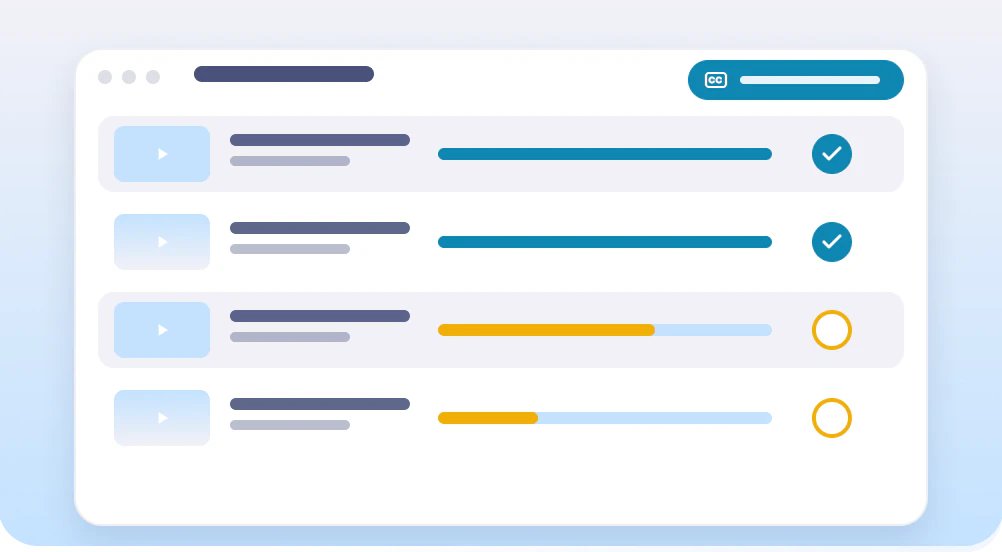
Generate, translate, and publish subtitles for every title in your library, inside your own OTT platform.

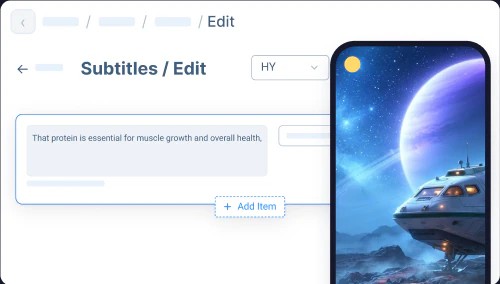

Most subtitle tools are built around a single file: upload, download, repeat. inoRain's AI subtitle generator runs across your catalog from your own CMS.
Queue a season, a category, or the entire library. Subtitles come back attached to the right titles, ready to publish.
The content is already on the platform. Nothing leaves it to get captioned, and nothing has to be brought back in.
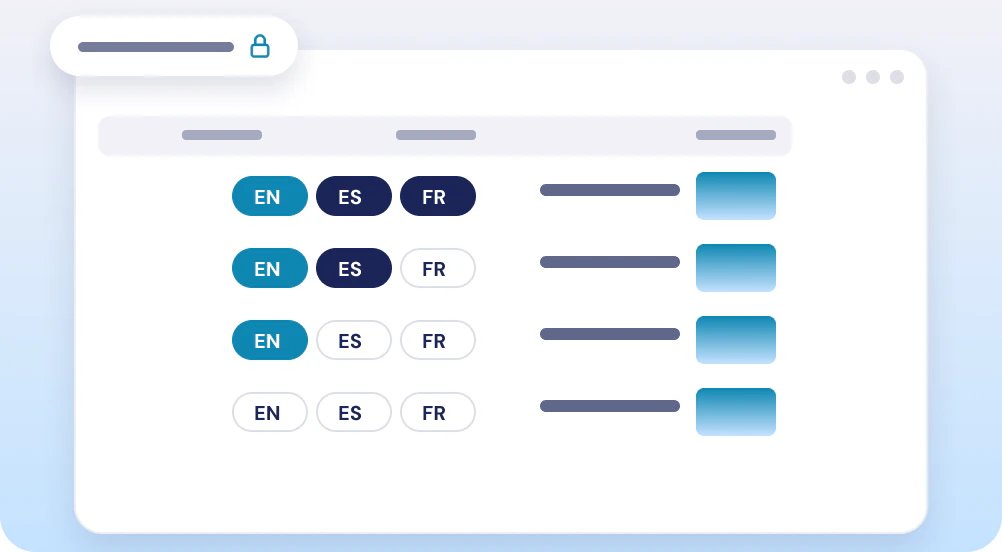
Turn it on at ingest, and every upload gets captions without anyone remembering to request them.
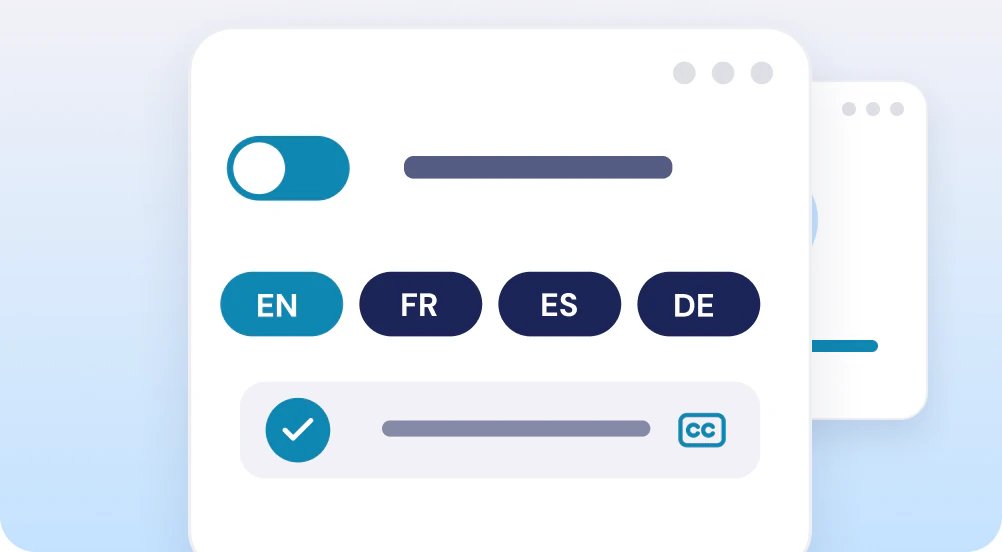

Add a title from your CMS library or upload a new file. There’s no separate tool to export to.

Speech recognition turns the dialogue into timed captions, including speaker changes and sound cues.

Generate subtitle tracks in every language your viewers speak, all synced to the same timing.

Check and fix any line in the subtitle editor before the title goes live, or after.

Subtitles appear in your branded apps on every screen, ready for viewers to switch on.
AI transcription is fast and close, not flawless. Proper names, brand terms, accents, and overlapping dialogue are where it slips.
So you canedit the output, and nothing will reach viewers until you approve it.
No exporting to a separate subtitle editor.
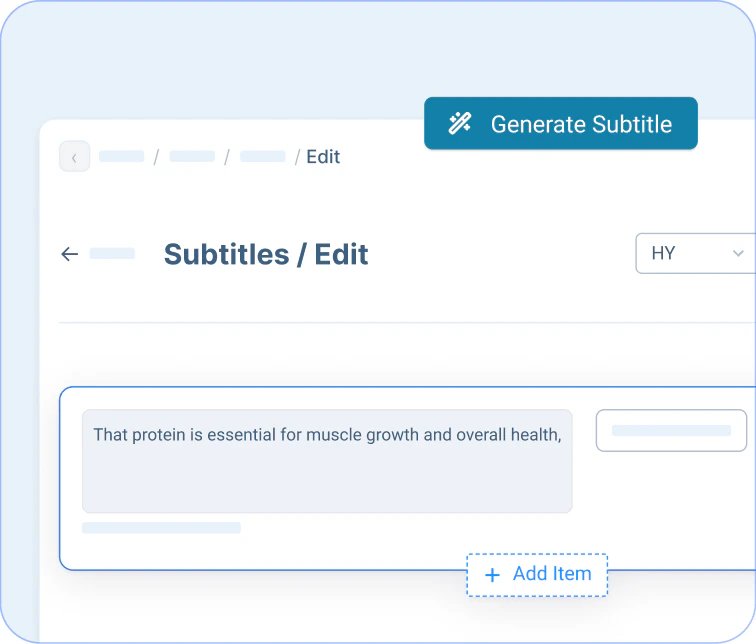
so you catch cues that land late or run past a shot change.
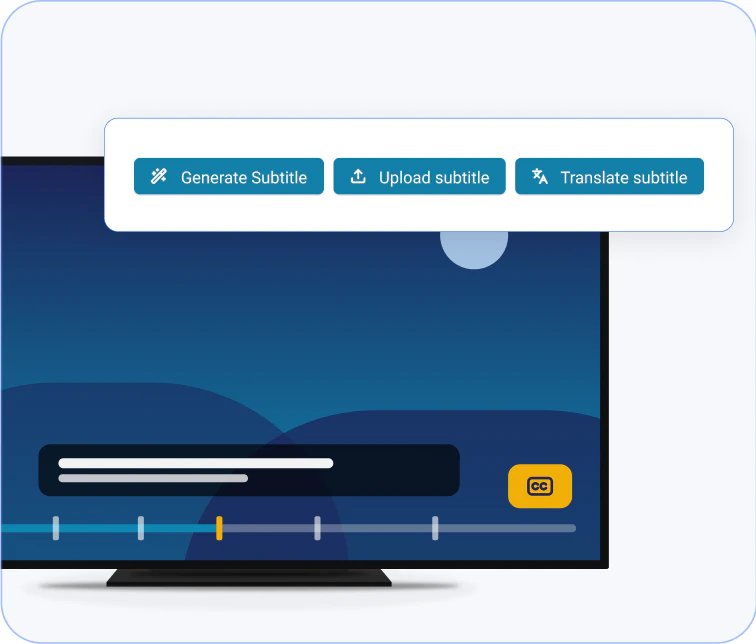
Nothing goes live because a job finished overnight.
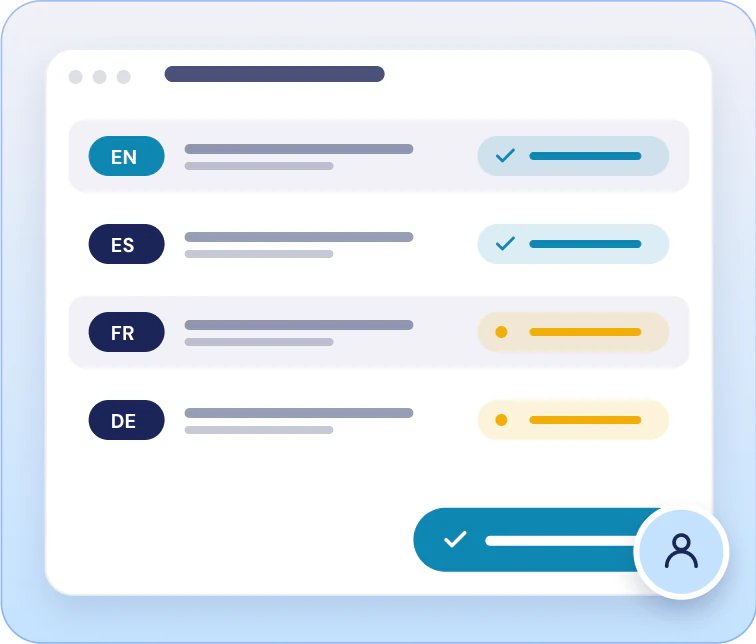
One transcript becomes many tracks.
Add a market without commissioning a new subtitling job for every title in your catalog.

Closed captions for accessibility in the original audio language.

Machine translation into your release languages, editable before publishing like any other track.

Already have SRT or VTT files from a vendor? Import them and keep them alongside the generated ones.
SRT, VTT, and TTML in and out, so your tracks are not locked to one system.
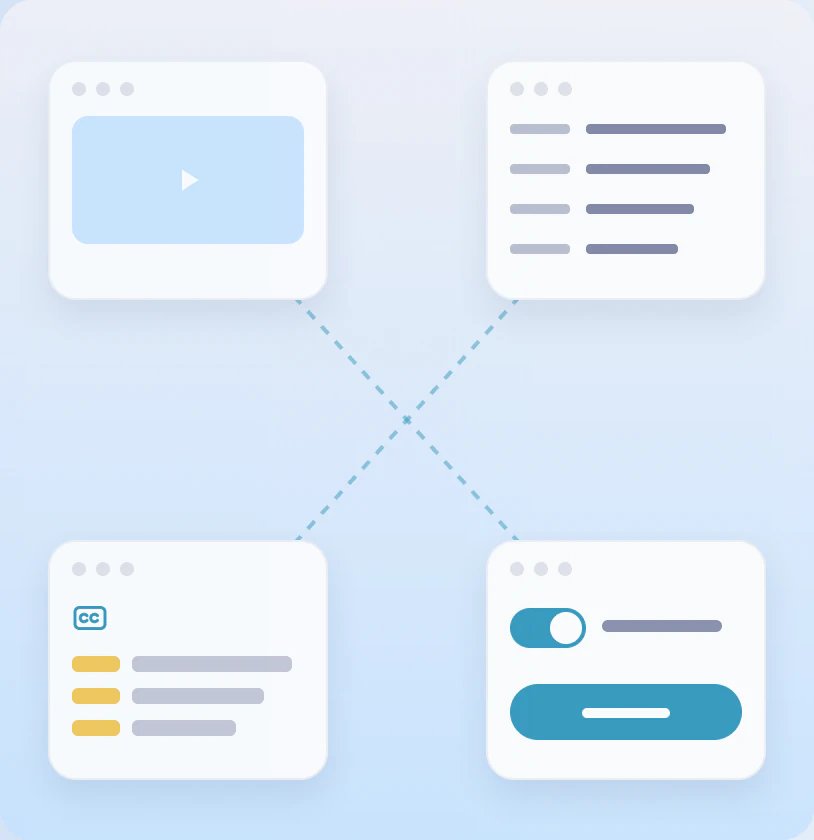
Subtitles live with the content, the metadata, and the publishing workflow. There is no second vendor account to manage.
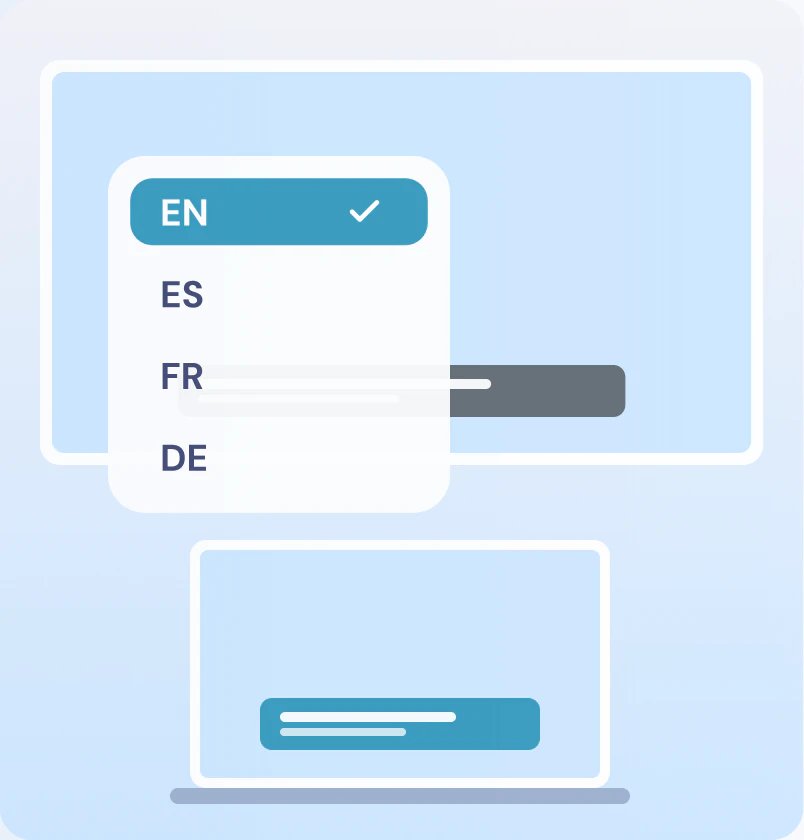
Subtitle tracks display in your apps on Roku, Android TV, Apple TV, Fire TV, Samsung, LG, web, and mobile, with the viewer choosing the language in the player.
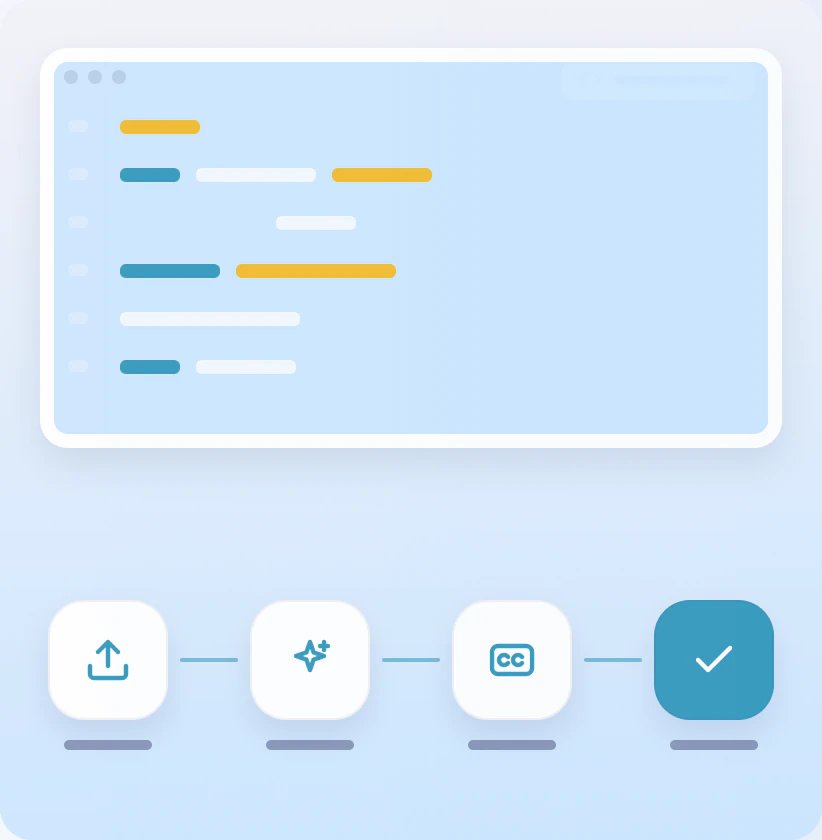
Trigger subtitle jobs and pull finished tracks programmatically if you run your own pipeline around the platform.
Book a demo, and we will show you subtitle generation, editing, and publishing on real titles.
 2025 /02 /2514:51:14LIVE