inoRain Changelog

Keep up with the latest product releases, improvements, and fixes across the inoRain OTT platform

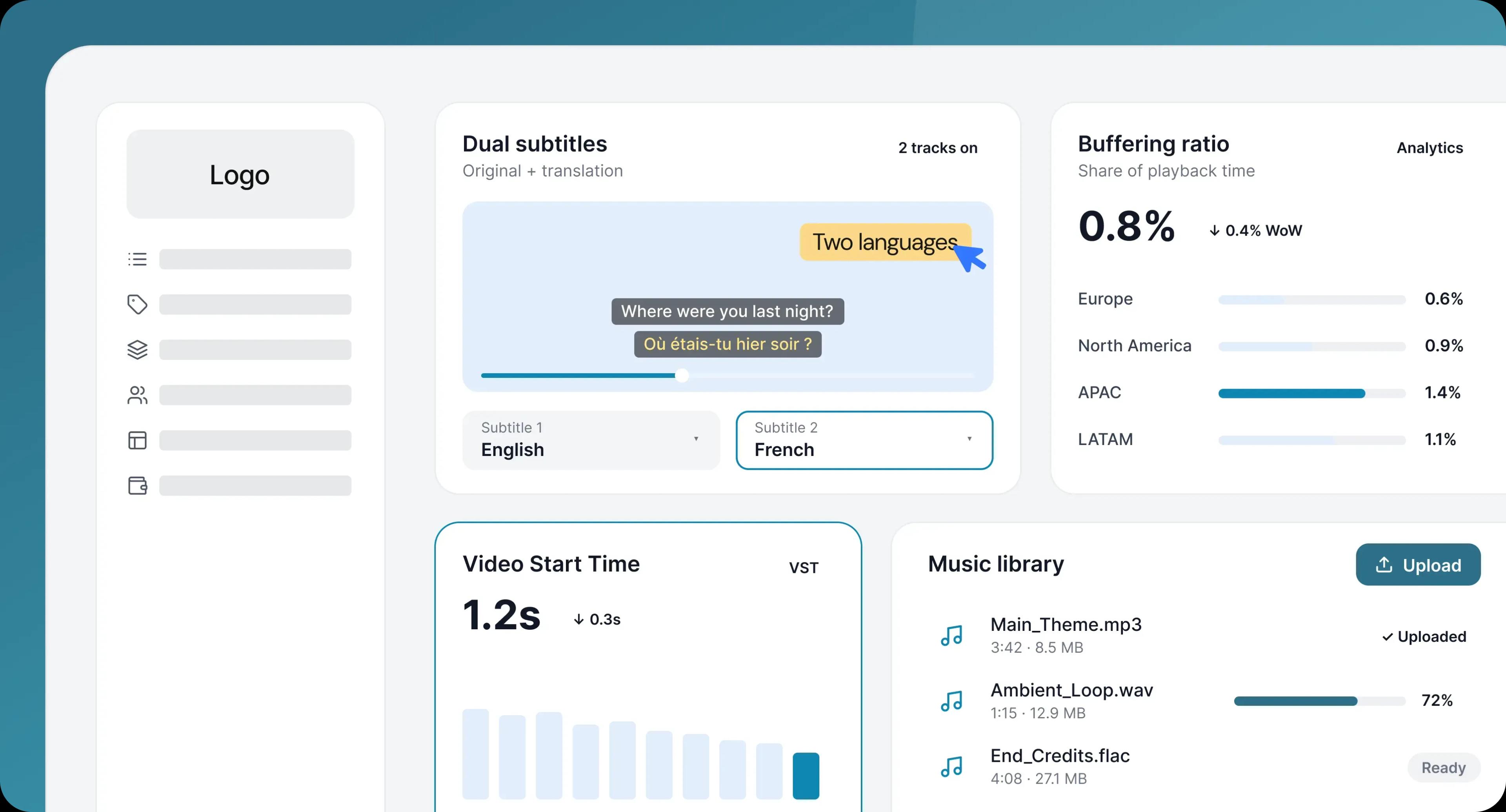
This release adds a second subtitle track for multilingual viewers, two new playback quality metrics in the Analytics Dashboard, and native music file management for admins.

Dual subtitles

Viewers can now display two subtitle tracks at the same time - typically the original language alongside a translation. For audiences watching in a second language, and for households where one screen serves people who read different languages, it turns a title that worked for one viewer into one that works for the room. It’s also the feature language learners actively look for in a service.

Buffering ratio

The Analytics Dashboard now reports buffering ratio: the share of playback time lost to buffering. Instead of hearing that playback “feels slow,” you get a number you can watch over time and tie to a region, a title, or a delivery change - and you can tell whether the problem is your stack or the viewer’s connection.
Learn more

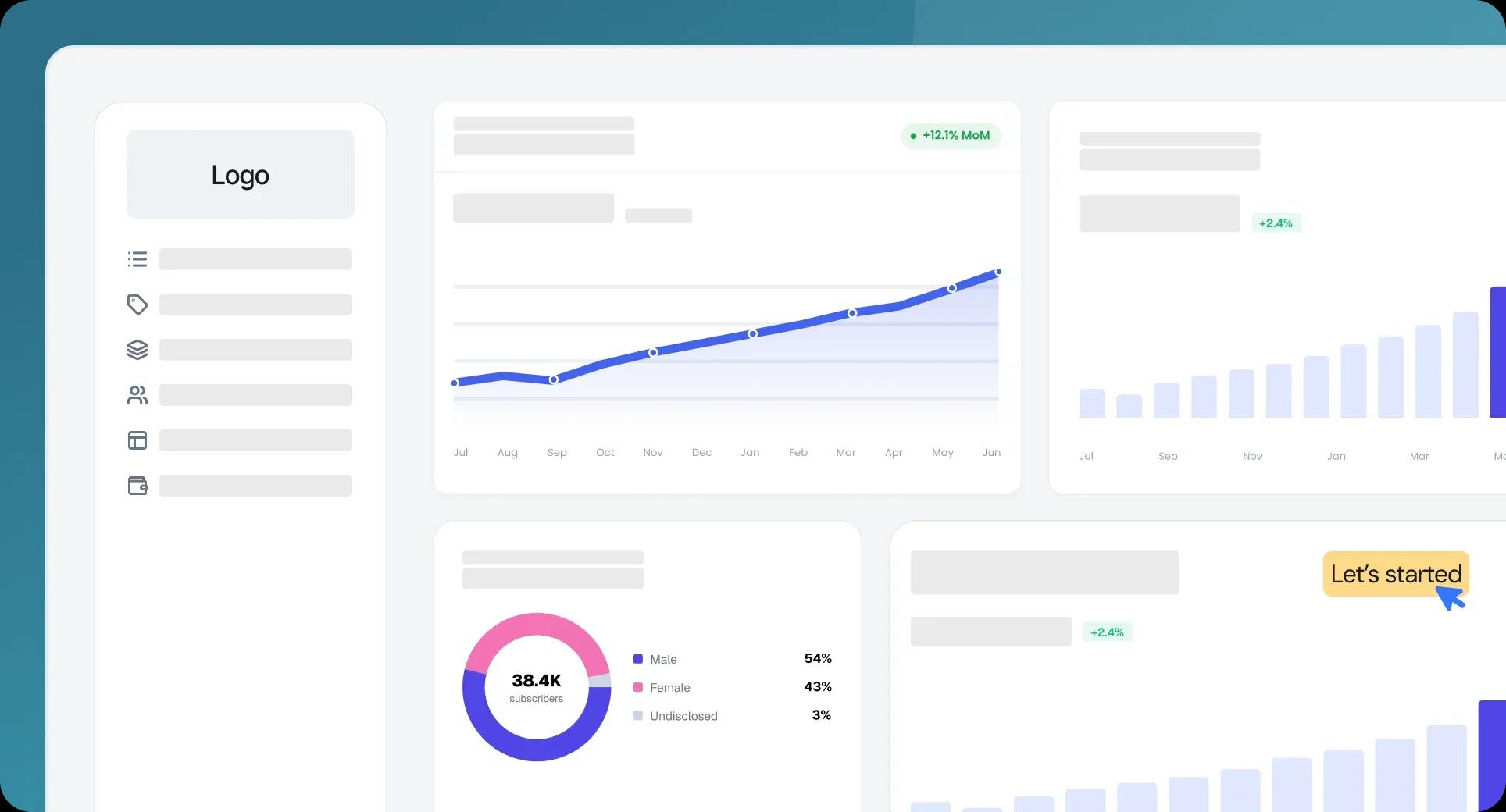
We've updated the Analytics Dashboard. And we've added three new metrics - completion rate, ARPU, and churn - calculated on the backend, so you can see how your content performs, what each subscriber is worth, and who you're losing, without exporting anything.

Seven KPIs on one dashboard

We've added all seven requested KPIs to the Analytics Dashboard, each with a clear label, its current value, and the supporting context needed to read it at a glance.

Video completion rate

You can now see how many viewers finish a title versus how many drop off before the end, so you can tell which content holds attention and which loses it.

Learn more

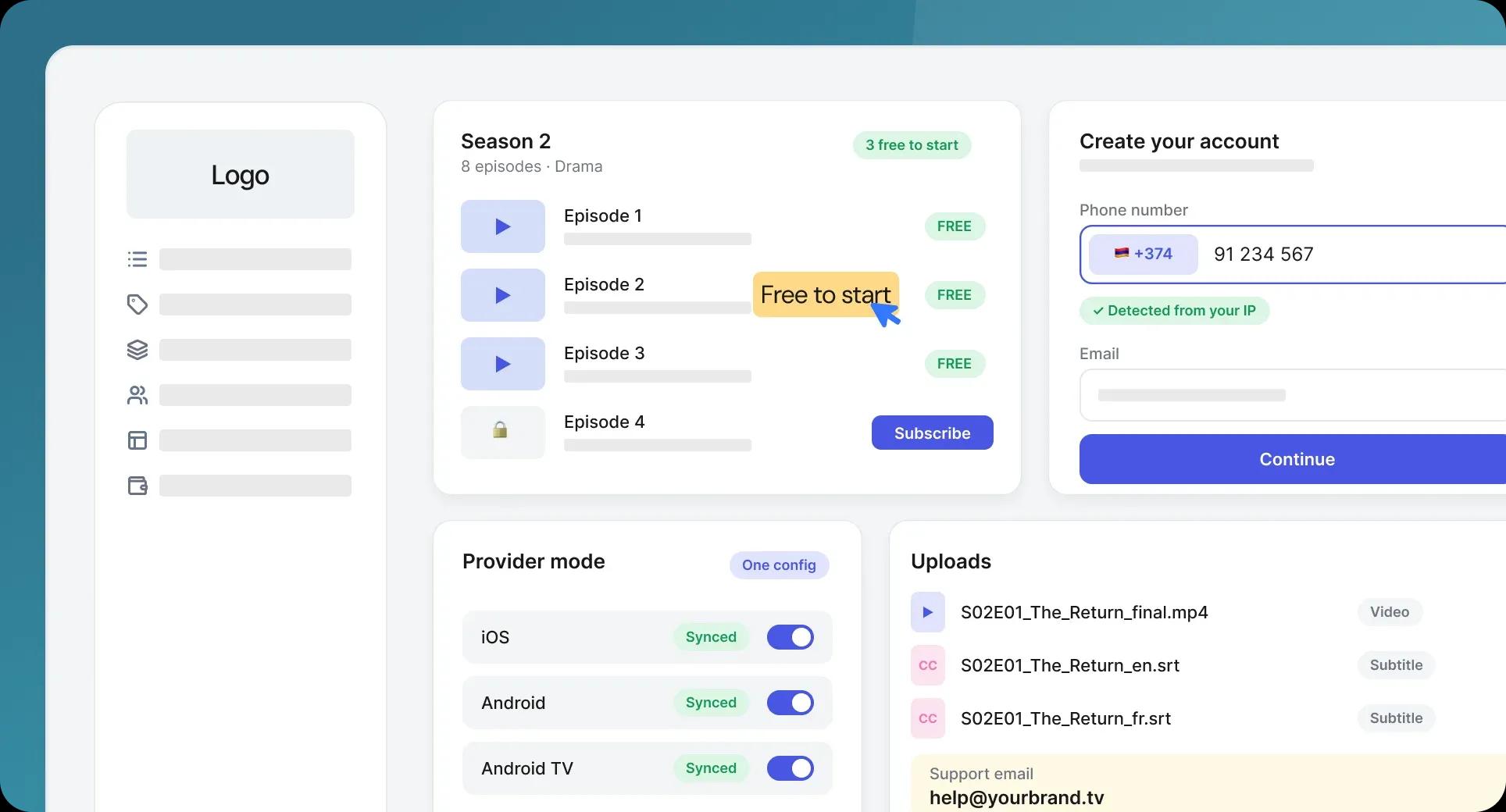
This release spans the mobile apps, the sign-up flow, content management, and admin tools. Provider mode now behaves the same way across every app, new subscribers get through sign-up with fewer taps, and you can give viewers a free taste of a series before asking them to subscribe.

Provider mode across all mobile apps

We've unified provider mode so it works identically in every mobile app, rather than being built separately for each one. One behavior, one configuration, whichever app your subscribers are on.

First episodes free before the paywall

You can now make the first one to three episodes of a series free for users who haven't subscribed yet, so people can start a story before they're asked to pay - and decide to subscribe because they're already invested.

Learn more

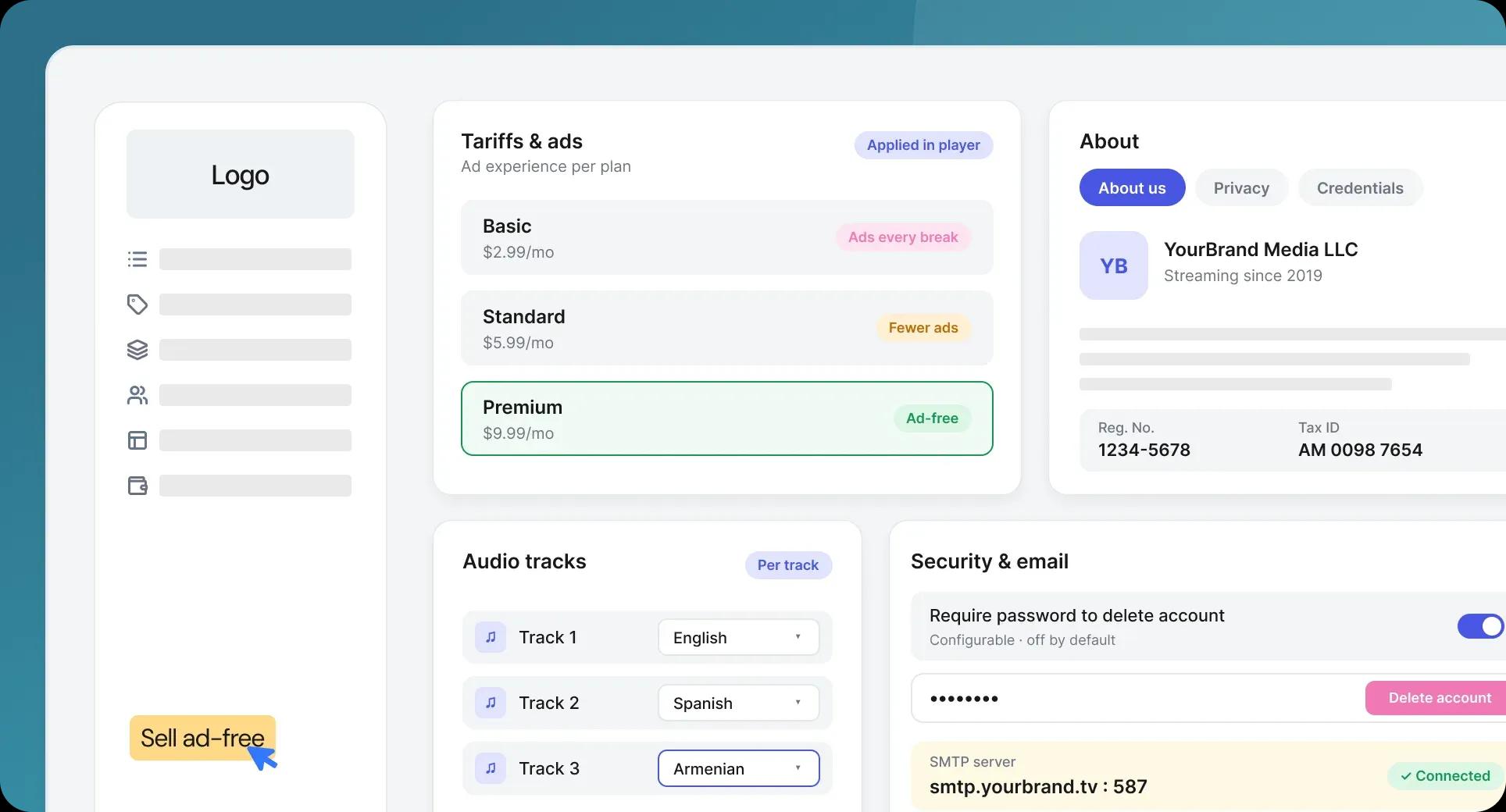
This release adds a business information page to the app, ties ad delivery to the subscriber's tariff, and gives you finer control over audio tracks and account security from the admin panel.

About Us, Privacy, and Credentials page

We've added a business information page to the app, covering your About Us content, privacy policy, and company credentials - so the details viewers and app stores expect are in one maintained place instead of scattered across screens.

Ads now follow the tariff

We've reworked how ads are retrieved so they respect the subscriber's tariff. Each plan now serves the ad experience it's supposed to - which means you can sell ad-free as a genuine upgrade rather than a promise the player doesn't keep.

Learn more

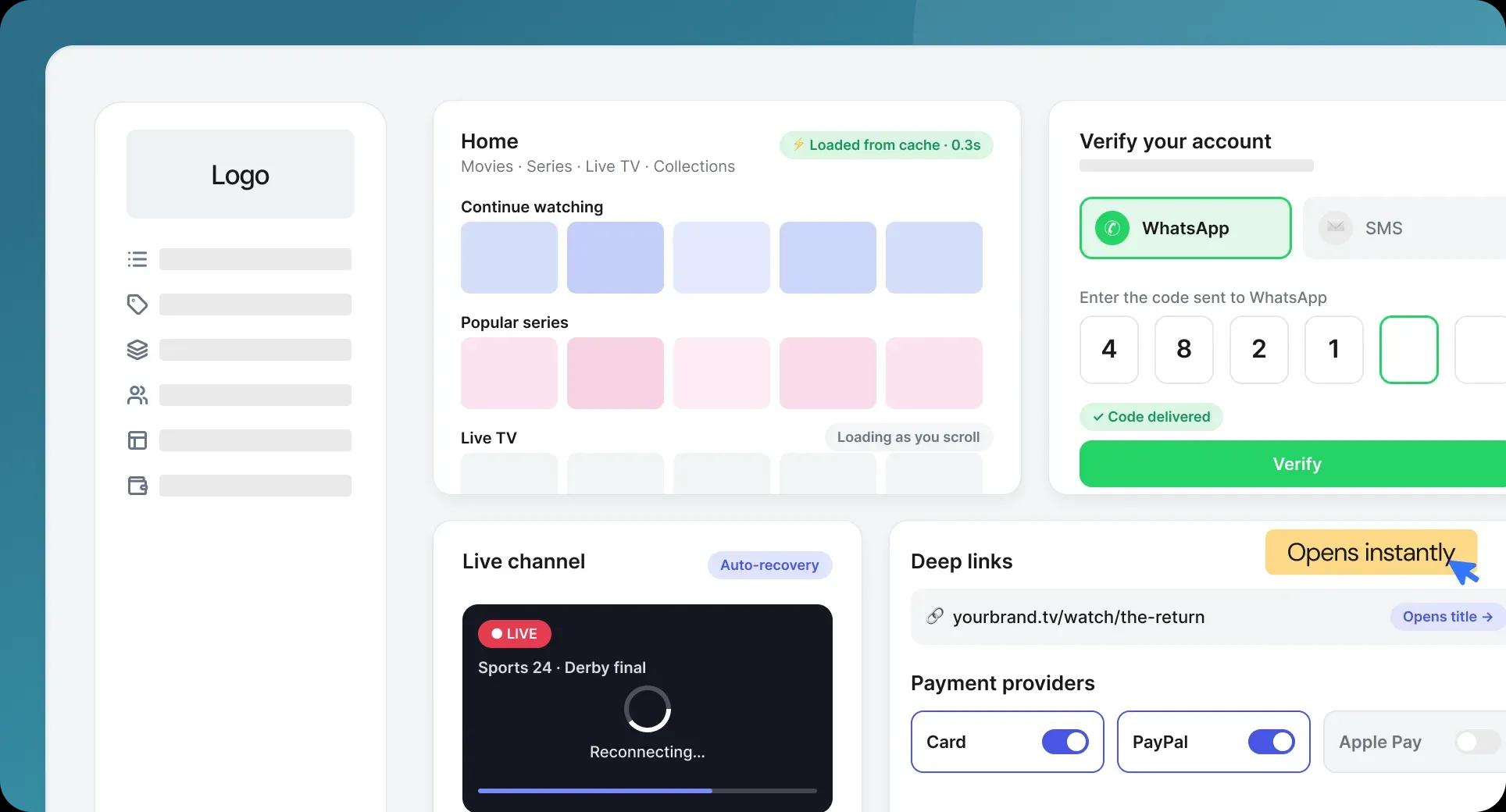
This release is mostly about speed and reliability. Apps now load from cache instead of re-fetching everything on every visit, live channels recover from instability instead of going black, and new users can verify their account over WhatsApp.

WhatsApp verification on Android and iOS

You can now verify new accounts over WhatsApp instead of SMS. For audiences where WhatsApp is the default messaging app, it's a faster and cheaper path through sign-up than a one-time code that may or may not arrive - and it's a setting you switch on per deployment.

Faster loading across the app

We've reworked how the app loads data. Home, Movies, Series, Live TV, Categories and Collections no longer re-fetch everything from the server on every visit - results are cached, heavy work moved to the background, and categories load lazily as you scroll. Content-heavy home pages that used to stall now open immediately, and the difference grows with the size of your catalog.

Learn more

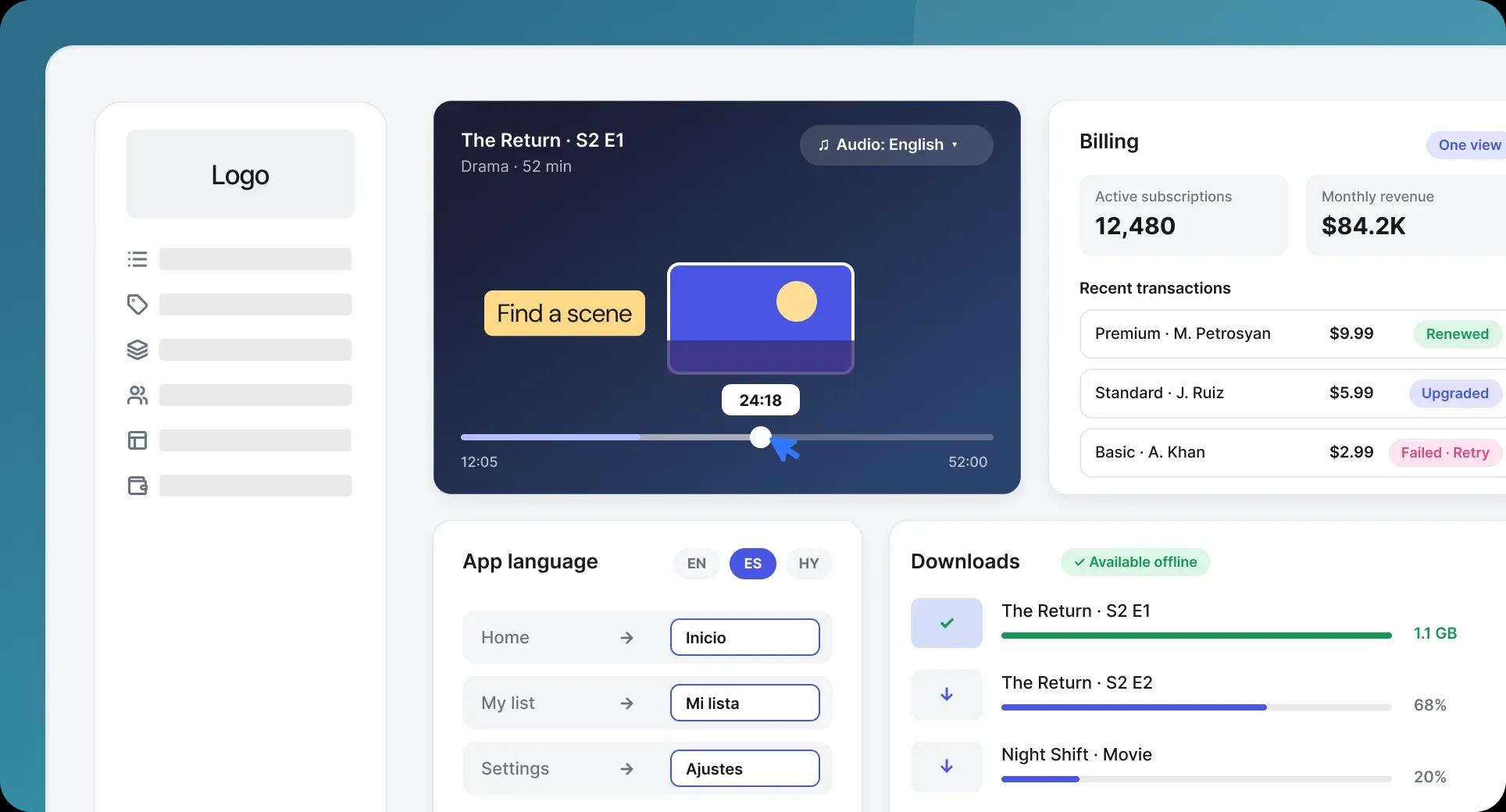
This release improves three different parts of the experience: finding the moment you want in a video, running subscriptions and payments from one place, and serving the app interface in your viewers' own language.

Preview images while scrubbing

Viewers now see preview thumbnails as they drag along the progress bar, so they can find the scene they're looking for instead of guessing and overshooting. It's a small interaction that people notice immediately when it's missing - and it's what makes rewatching a favorite moment effortless.

Billing management

Administrators can now manage subscriptions and payments from a single place - plans, renewals and transactions in one view rather than split across systems. Monetization stops being something you reconcile after the fact and becomes something you operate.

Learn more

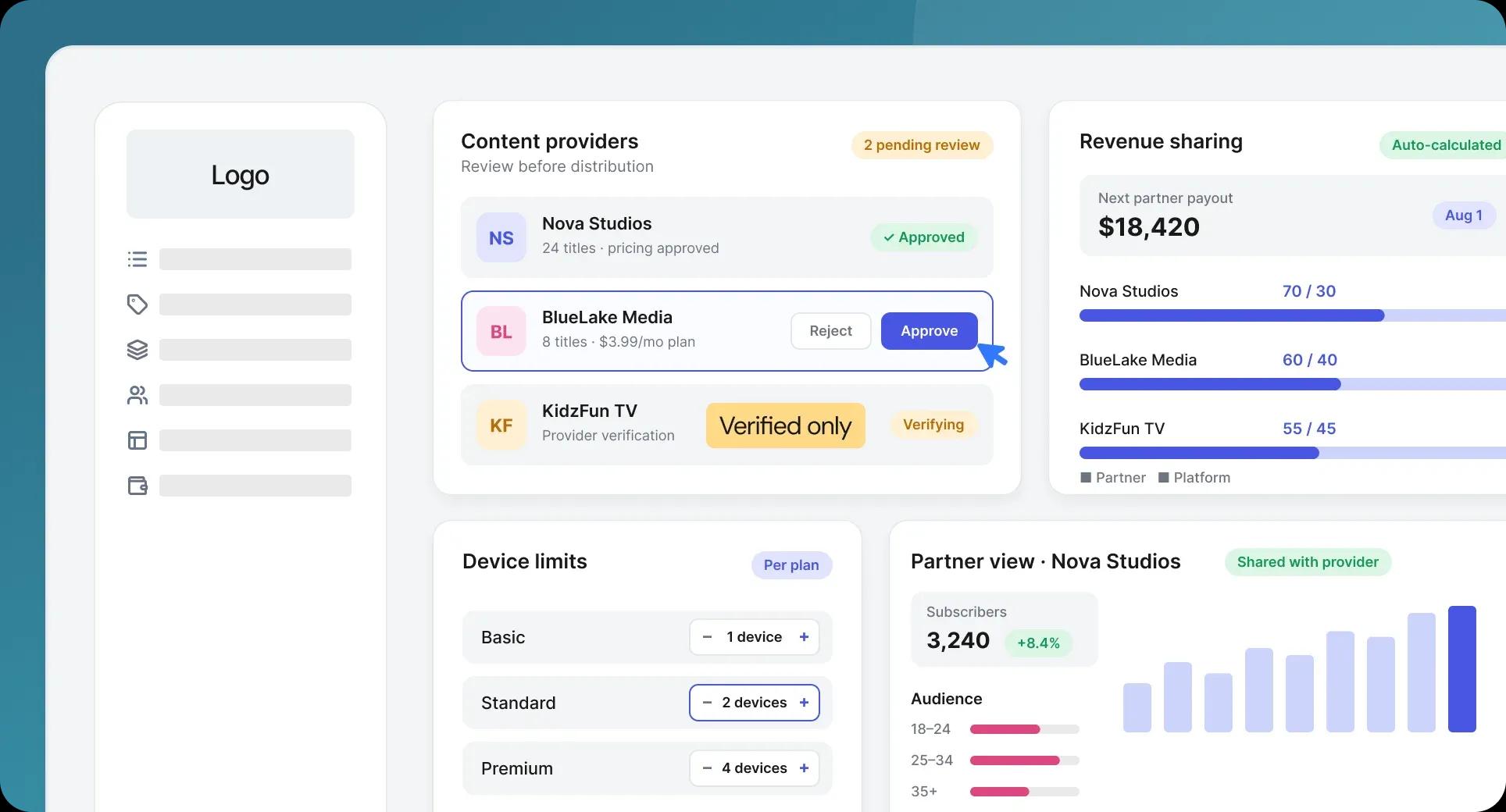
We've launched the Content Partner Portal. It turns the platform from a service you publish to into a partner portal you can run: third-party providers can be verified, their content and pricing approved, their revenue share configured, and both sides of the relationship can see how the content is performing.

Provider approval and content moderation

Administrators can now approve providers before they're allowed to distribute, and review content and pricing before it goes live. Only verified partners reach your audience, and nothing appears in the catalog - at any price - without passing your review first. Partner portal quality stops depending on trust and starts depending on a gate.

Learn more

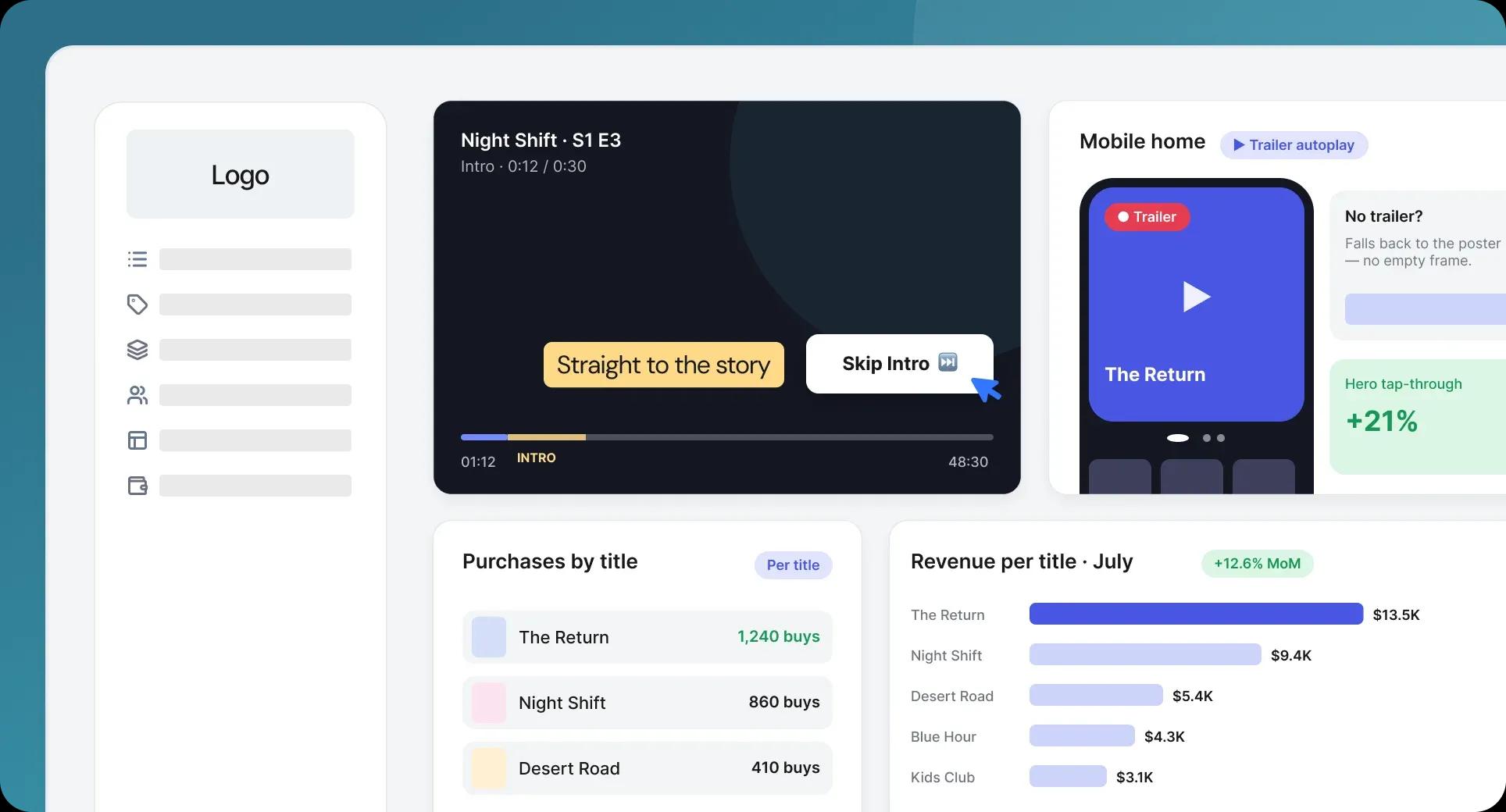
Skip intro, autoplaying trailers, and per-title purchase data

  • skip intro
  • autoplaying trailers

Three additions: one that saves viewers a few seconds on every episode, one that makes the app's home screen sell content on its own, and one that tells you which titles earn their place in the catalog.

Skip intro

The player now shows a Skip Intro button on movies and episodes, so viewers can jump straight into the story. On a binge session it's the difference between watching a show and repeatedly waiting through the same thirty seconds - and it's the kind of thing audiences now expect by default.

Trailers that play in the hero slider

The mobile app's hero slider now plays the trailer for whichever slide is active, so your featured content sells itself in motion rather than as a still image. When a title has no trailer available, the slider falls back gracefully instead of stalling on an empty frame.

Learn more

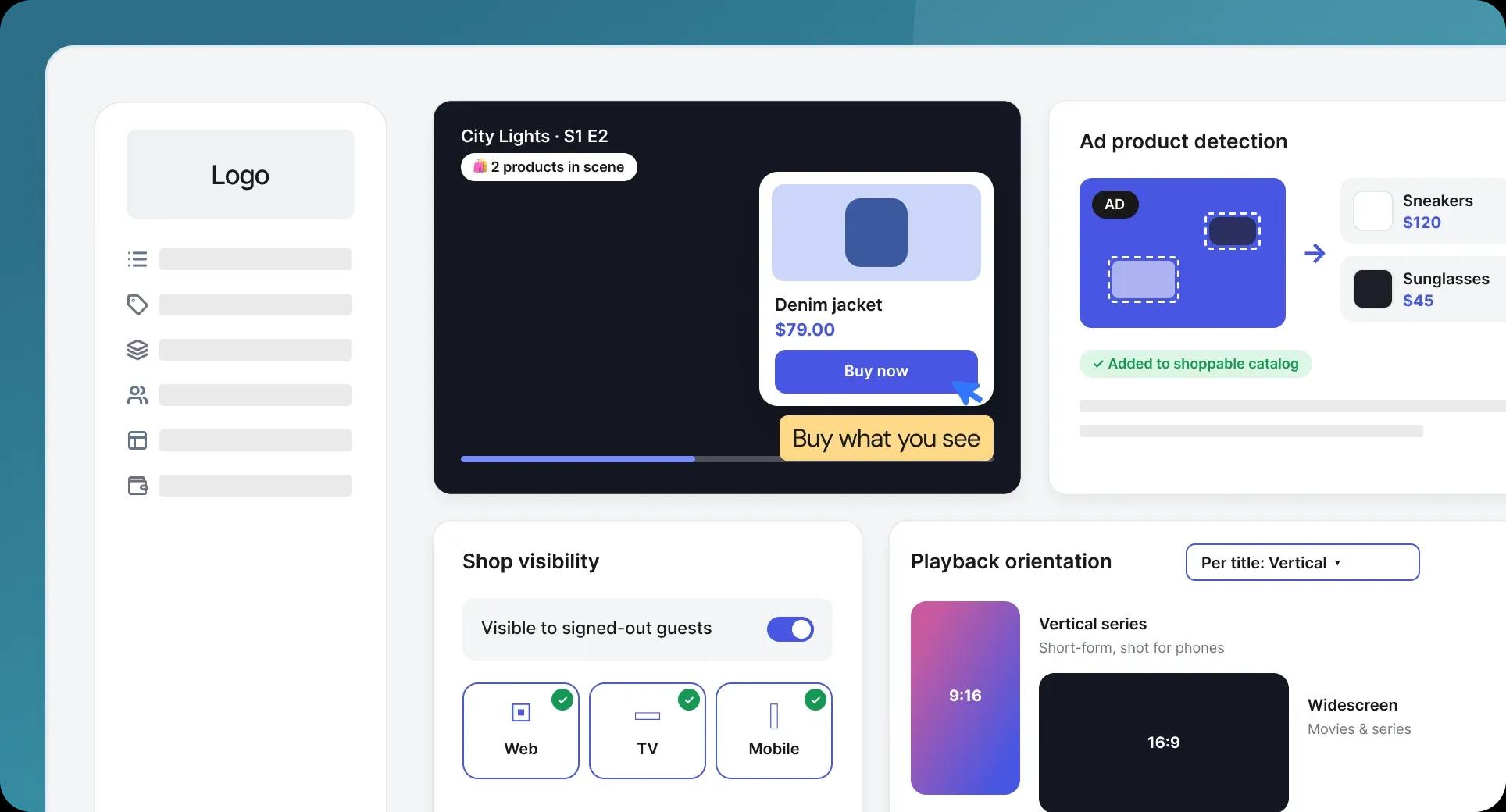
We've launched Shoppable Video - a new way to turn viewing into buying. Products that appear on screen are detected while the video plays and surfaced as purchasable items over the picture, so viewers can buy what they see without leaving the story. It's available on web, TV and mobile, and it works for signed-out visitors too.

What Shoppable Video does

The player identifies products shown in your content and displays the matching purchasable items as an overlay. Someone who notices a jacket in a scene can buy it in the moment, while the interest is still there. Your catalog stops being only something people watch and becomes something they shop - and every minute of viewing carries commercial intent alongside it.

Learn more

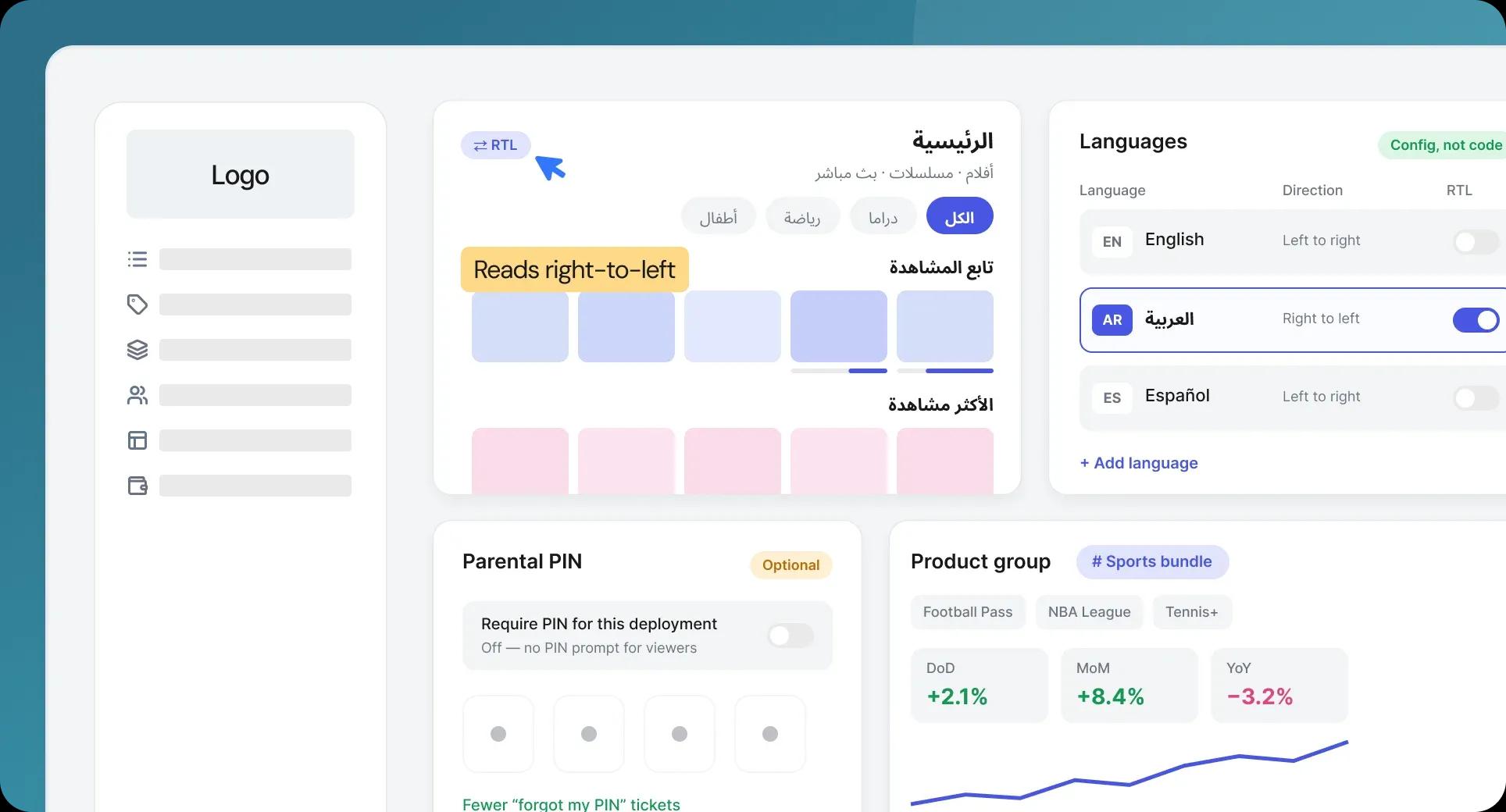
Three changes: the interface now renders properly in Arabic, related products can be grouped and reported on as a unit, and the parental PIN is no longer forced on deployments that don't want it.

Full right-to-left support for Arabic

When a viewer selects Arabic, the entire interface now renders right-to-left - layout, navigation and text direction, not just translated strings in a left-to-right frame. The behavior follows the RTL flag in the language configuration, so adding another right-to-left language later is a configuration change rather than a rebuild. Arabic-speaking markets get an app that reads the way they do.

Learn more