Primary color
Secondary color
Accent color
Card color
Primary button color
Secondary button color
Design and customize your branded OTT app from one admin panel. Set branding, colors, borders, profile icons and menus for TV, desktop, mobile and tablet - and preview every change live before you publish.

inoRain's App Builder puts your whole streaming UI in one admin panel and lets you create your own OTT platform without writing a single line of code. It is the visual layer of inoRain's OTT middleware - set your branding, colors, borders, profile icons and menus, then tailor the layout for TV, desktop, mobile and tablet, and watch every change render live before you publish.
The result is a fully custom OTT platform that looks unmistakably yours on every screen your viewers use.
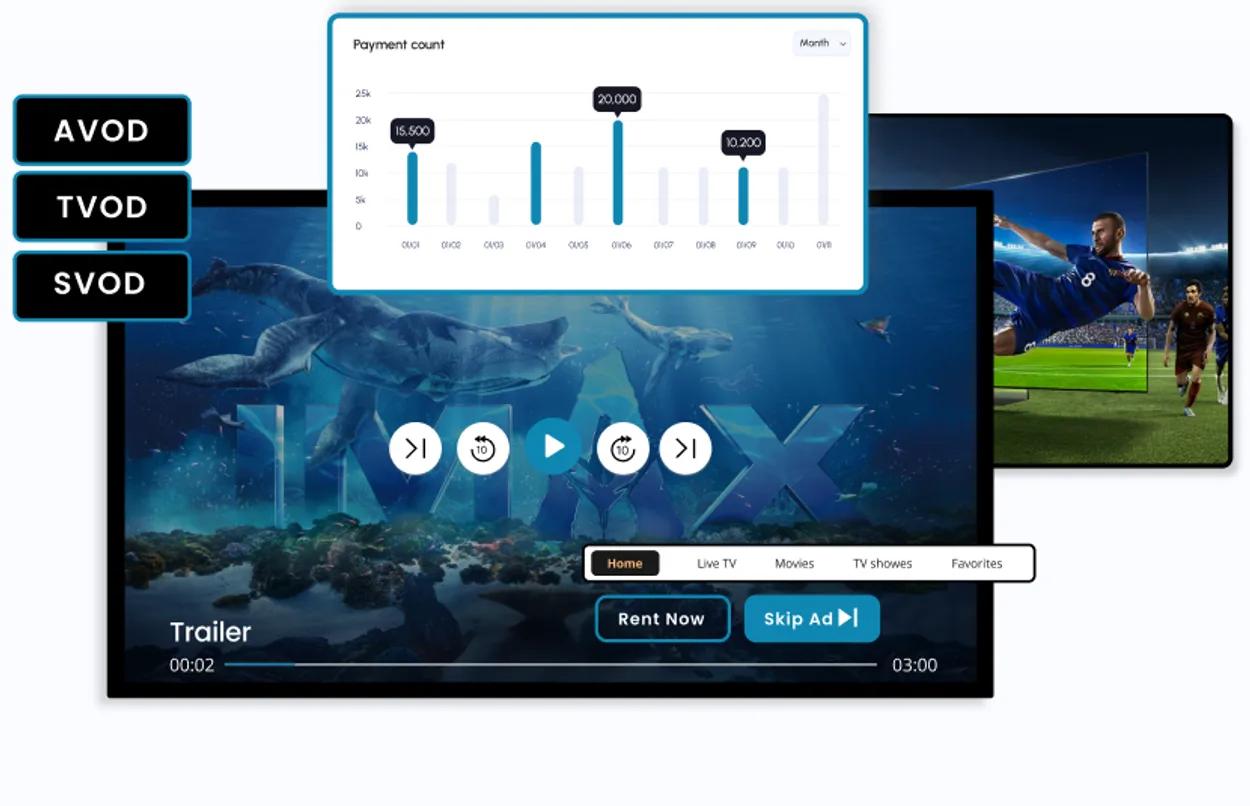
4 platforms - TV, Desktop, Mobile and Tablet
No code - configure and save, and we publish
Powered by inoRain's OTT middleware and trusted by 500+ streaming partners
One panel, total control. The App Builder mirrors the five control groups in your admin panel. Change a setting, see it instantly in the live preview, then save when it's right.
Upload your logo, splash artwork and brand assets so your custom OTT platform feels unmistakably yours from the very first screen.
Define primary, secondary and background colors plus button styles to match your palette and keep contrast crisp on every screen.
Dial in corner radius and border treatments for cards, posters and buttons - from sharp and modern to soft and rounded.
Arrange navigation items, reorder sections and decide what appears in the side rail and main menu for each platform.
Every adjustment renders in real time on a true-to-life device frame - no guesswork, no rebuilds, no waiting on developers.
Designed for every screen. Switch the device toggle in the App Builder and customize the layout for the screen your viewers are actually on. Because it runs on inoRain's OTT middleware, the preview adapts instantly across TV, desktop, mobile and tablet.
Cinematic hero banners, a focused side rail and remote-friendly navigation built for Android TV, webOS, Tizen, Roku and Fire TV.
A wide, mouse-and-keyboard layout with room for richer artwork and deeper catalogs, running in every modern browser.
A thumb-friendly layout built for small screens, short sessions and offline viewing on iOS and Android.
Big-screen comfort in a handheld frame, with layouts that adapt to portrait and landscape on iPadOS and Android.
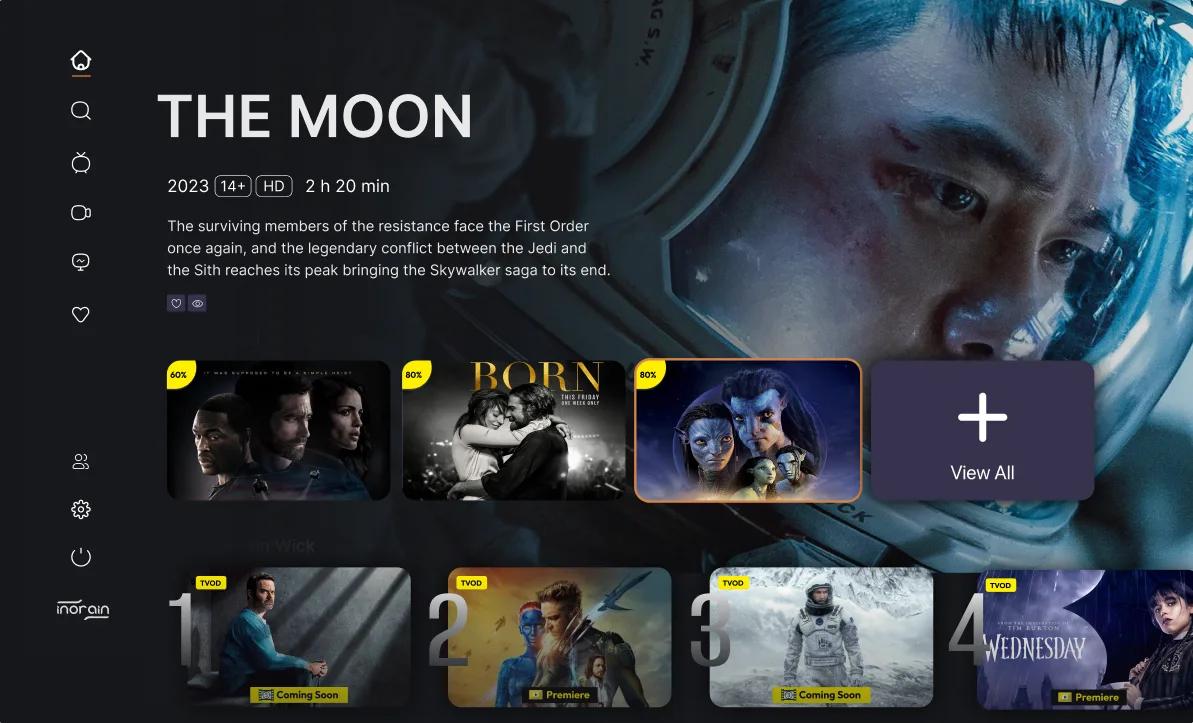
From blank app to branded launch in three steps.
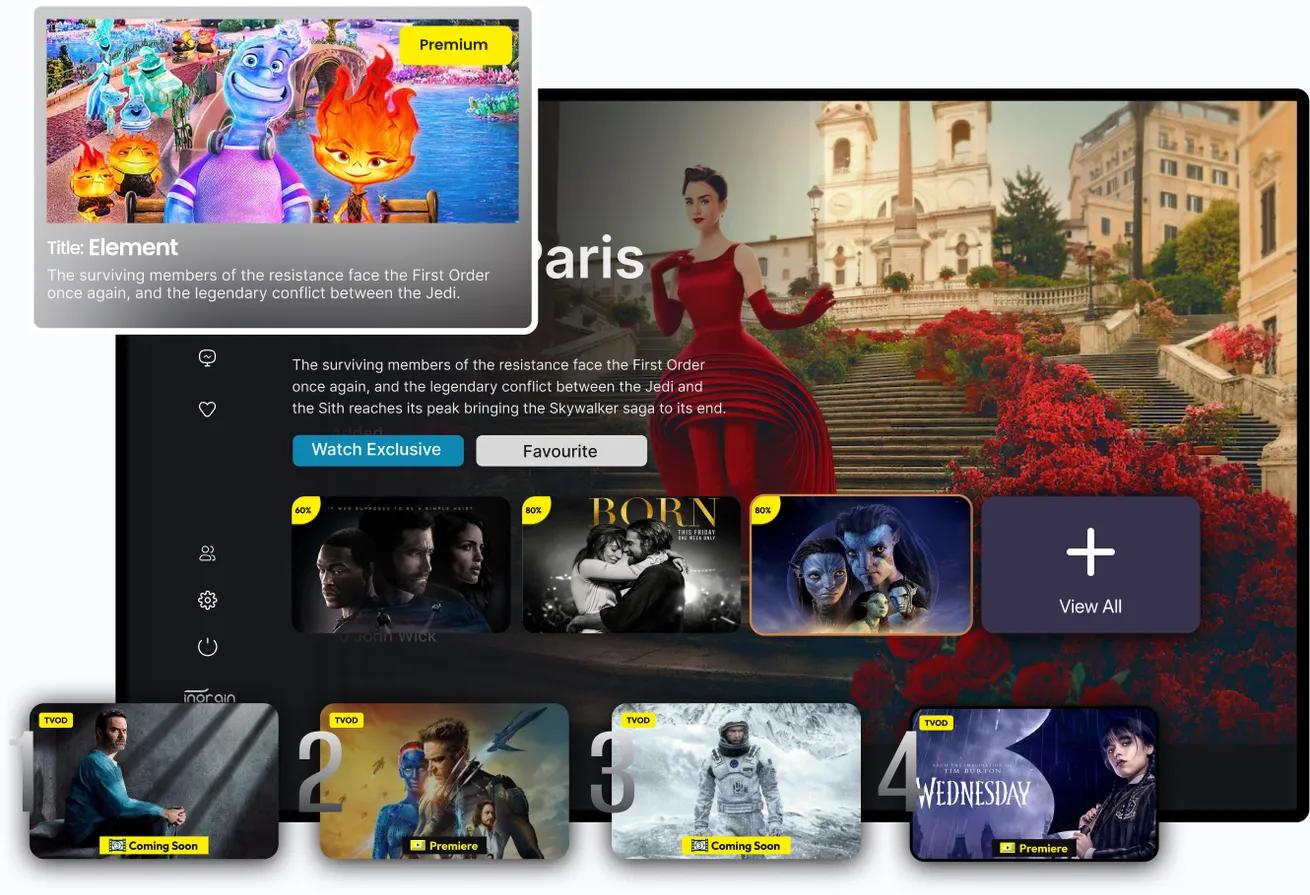
Step 1. Configure - Open the App Builder and set branding, colors, borders, profile icons and menus. Pick the device you're styling from the TV / desktop / mobile / tablet toggle.
Step 2. Preview live - See every change render instantly on a real device frame. Compare screens, fine-tune contrast and spacing, and get it pixel-perfect before anyone else sees it.
Step 3. Save & publish - Hit Save and your configuration rolls out across all your apps through inoRain's OTT middleware. No rebuilds, no app-store waiting games - update your look whenever you want.
30-minute call with a streaming specialist.