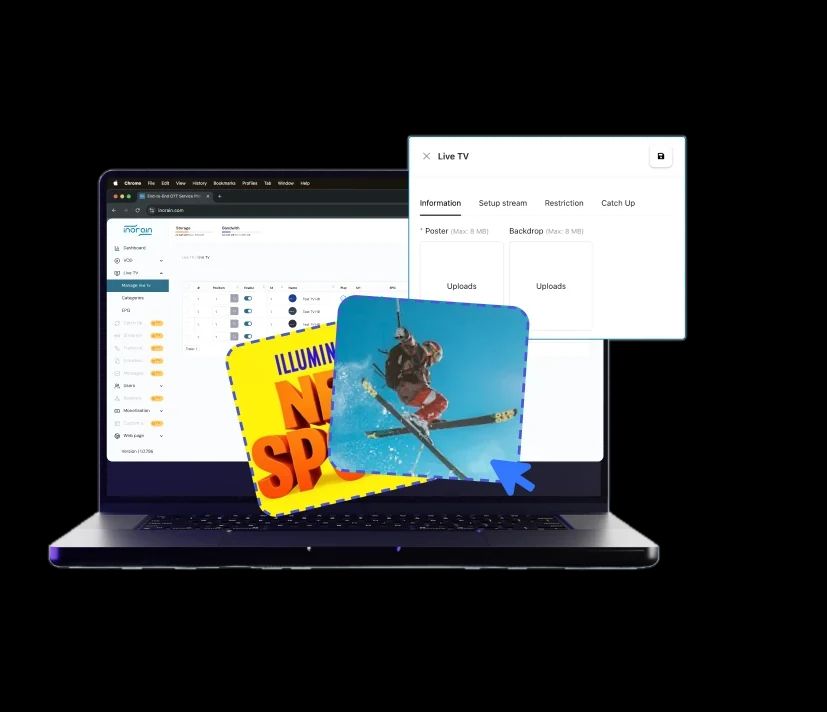
Create Your OwnTV Channels
Build a scheduled channel from the content you already have with our TV Channel Maker. Run it inside your own apps on smart TVs, mobile, and web.

NewNamed a Leader on G2
4 Simple Steps to Make Your Own TV Channel
With inoRain’s TV channel maker, you can build your own channels in minutes.
- 1
Bring in your content
Upload your VOD library or connect your live feeds. No re-encoding, no rebuilding your catalog.
- 2
Build the schedule
Program your lineup by time slot, genre, or theme. Set recurring blocks so the channel keeps filling itself week after week.
- 3
Set your ad breaks
Mark where ads run and how often. Connect your ad server or use inoRain's built-in SSAI.
- 4
Publish to your apps
The channel goes live inside your branded apps with its program guide in place.

Make It Look Like a Broadcast Channel
inoRain’s TV channel maker gives you all the functionality you need for top-tier channel creation.
Channel Scheduling
Programs run at set times. Someone tuning in at 9 PM sees what's on at 9 PM.
Programmatic Guides
Your EPG shows what's on now and what's next. Smart TV platforms require that metadata anyway.
Live Events
Drop a live event into the schedule between recorded programs. The channel keeps running.
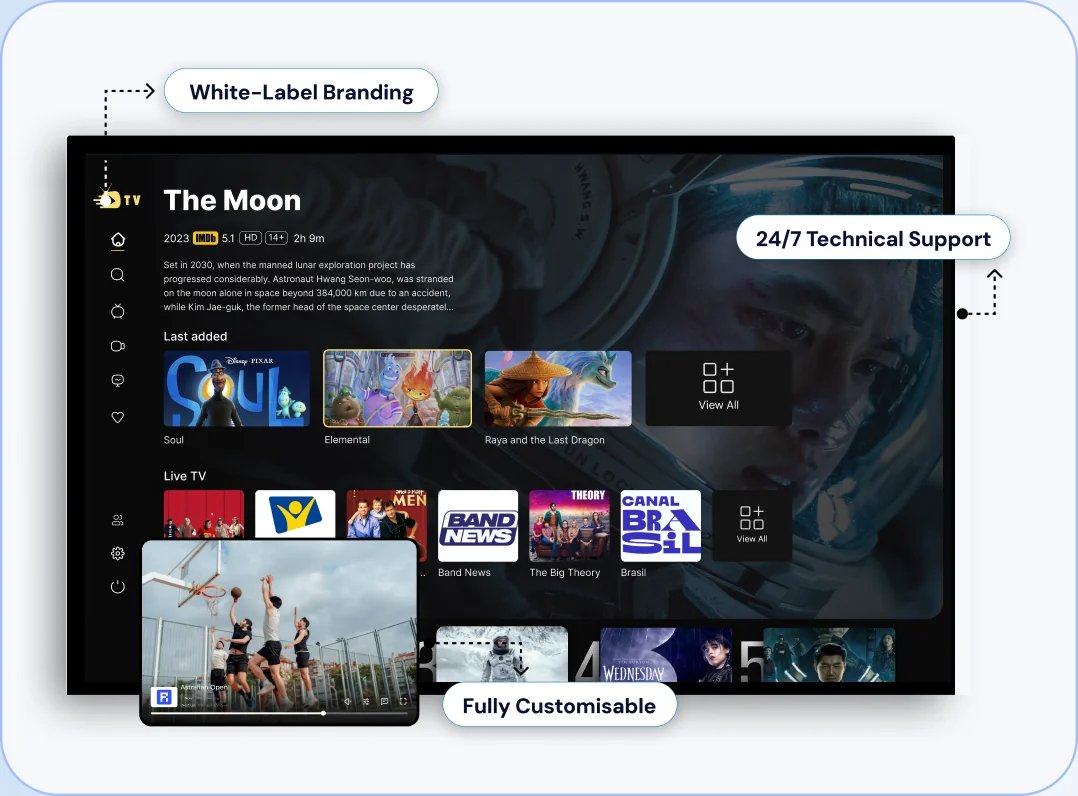
Fully Branded
Channel name, logo, and artwork carry through the guide, the player, and your apps.
24/7 Run Time
The channel plays 24/7. Recurring blocks fill the gaps instead of a blank screen.
Channel Categories
Split your library by genre, language, or audience and schedule each channel separately.
Build Your Own
TV Channel and Put It On Every Screen






Monetize Your TV Channel with FAST SSAI
A channel running 24/7 has ad inventory 24/7. Run it as a FAST channel.
Free for viewers, paid for by advertisers. Reruns of content you already own earn on every session, with no subscription to sell.

Server-side ad insertion
Ads are stitched into the stream before it reaches the viewer, so they play as part of the programming and don't get blocked.

Breaks where you want them
Set timing, frequency, and duration. SCTE-35 cue points mark each break for your ad server to fill.

Your ad server or ours
Connect the demand partners you already work with, or start with inoRain's built-in SSAI.

Or put it behind a paywall
Channels can sit inside a subscription or pay-per-view tier alongside your VOD catalog.

Keep what you earn
inoRain takes no revenue share. The ad relationships and the revenue stay yours.
The TV Channel Maker Perfect ForEvery Streaming Professional

Content Owners and Media Brands
You already have a library sitting in an archive. A channel turns it into something people watch continuously instead of searching for one title at a time.

Broadcasters
You already program linear TV. You can run the same schedules online as your own channels, reaching viewers without a set-top box.
IPTV Operators and ISPs
You already deliver live TV. Your own channels add content you control to the lineup without licensing more of someone else's.

Streaming Platforms
You already run a VOD service. A linear channel gives viewers somewhere to land when they don't want to choose.
All You Need To Make Your TV Channel
Three things from you. Everything else from inoRain.
- 1
Content
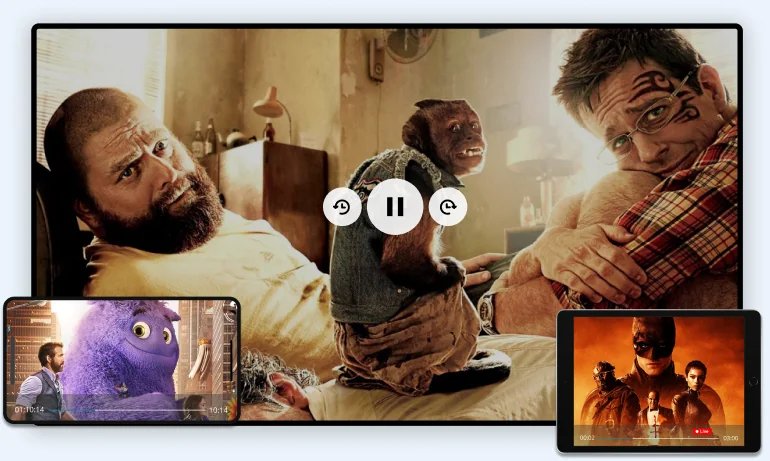
Your own library, licensed titles, or live feeds. Nothing new needs to be produced.
- 2
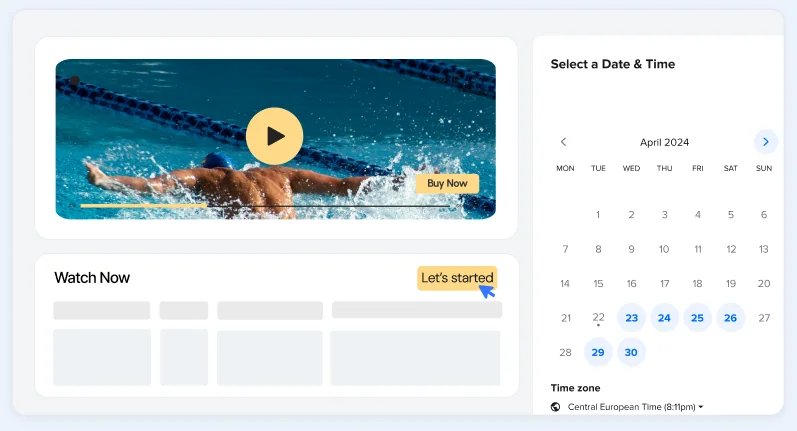
A schedule
What plays when. One channel and one week is enough to start — recurring blocks handle the rest.
- 3
A revenue model, if you want one
An ad server or inoRain’s SSAI for ads. A subscription tier works too.

inoRain provides the rest:
- Scheduler
- EPG
 Playout
 Apps
 Delivery
 Analytics