Launch Your Streaming App on LG Smart TVs
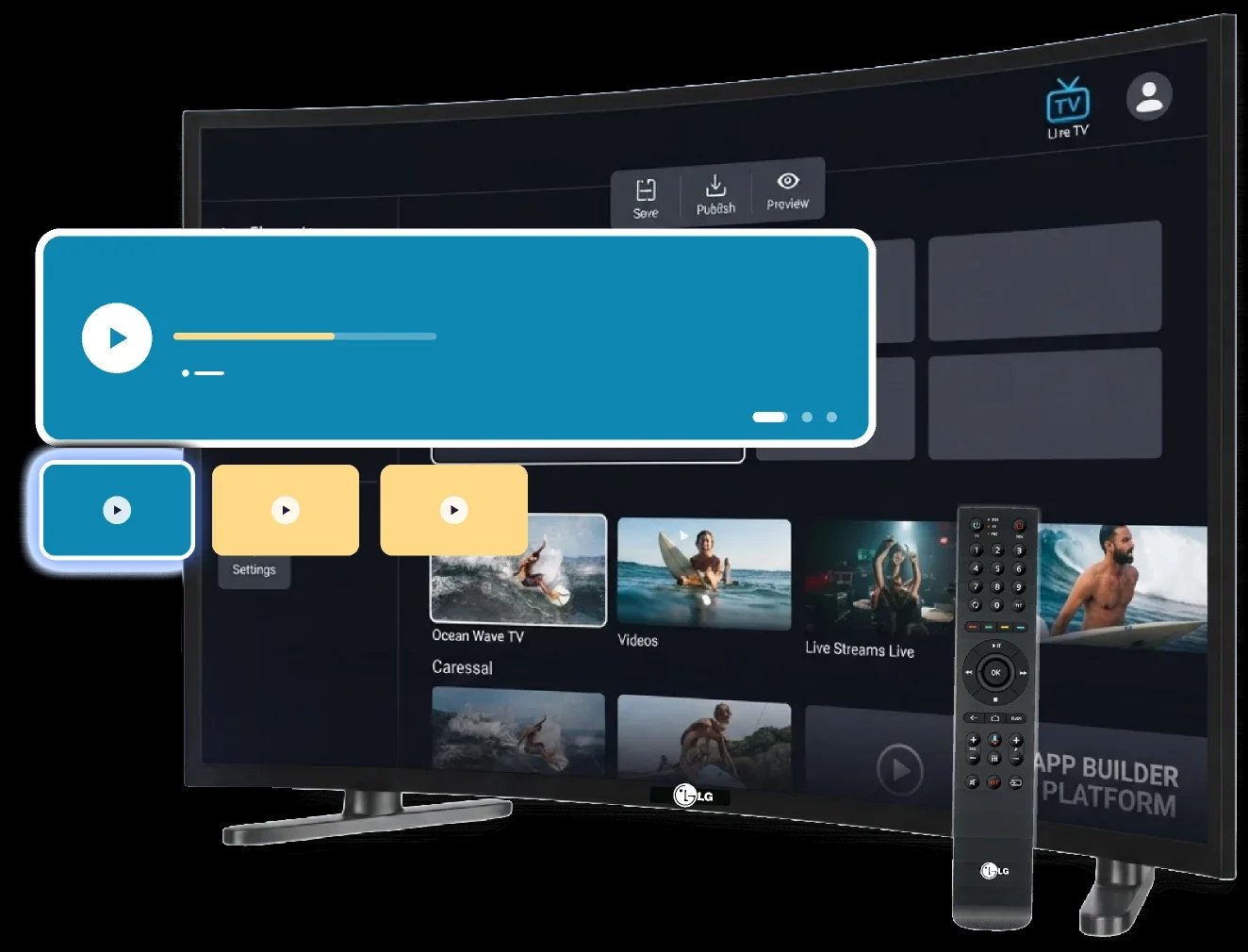
inoRain builds, certifies, and publishes webOS apps for LG TVs — with your content, your branding, and the backend you already run.

NewNamed a Leader on G2
How We Build Your Branded LG TV App
Scope
We go through your catalog, monetization, backend, and which LG model years you need to cover.
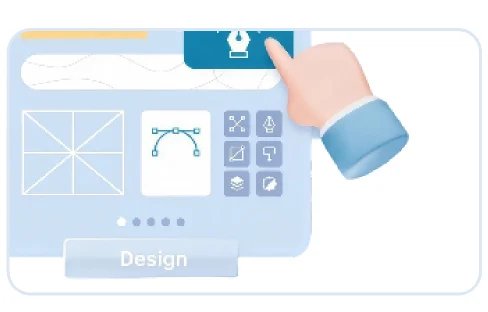
Design
Screens built for a viewer sitting across the room, holding a remote.
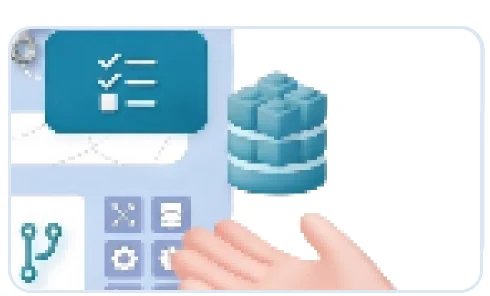
Development
We build the app on webOS and connect it to your CMS, player, DRM, and billing.
Testing
Playback, navigation, and performance are checked on real LG hardware, including older models.

Submission
We package the app, prepare LG's documentation, and submit it to the LG Content Store.
Your TV App is Built for webOS and the Magic Remote
Magic Remote and Arrow Keys
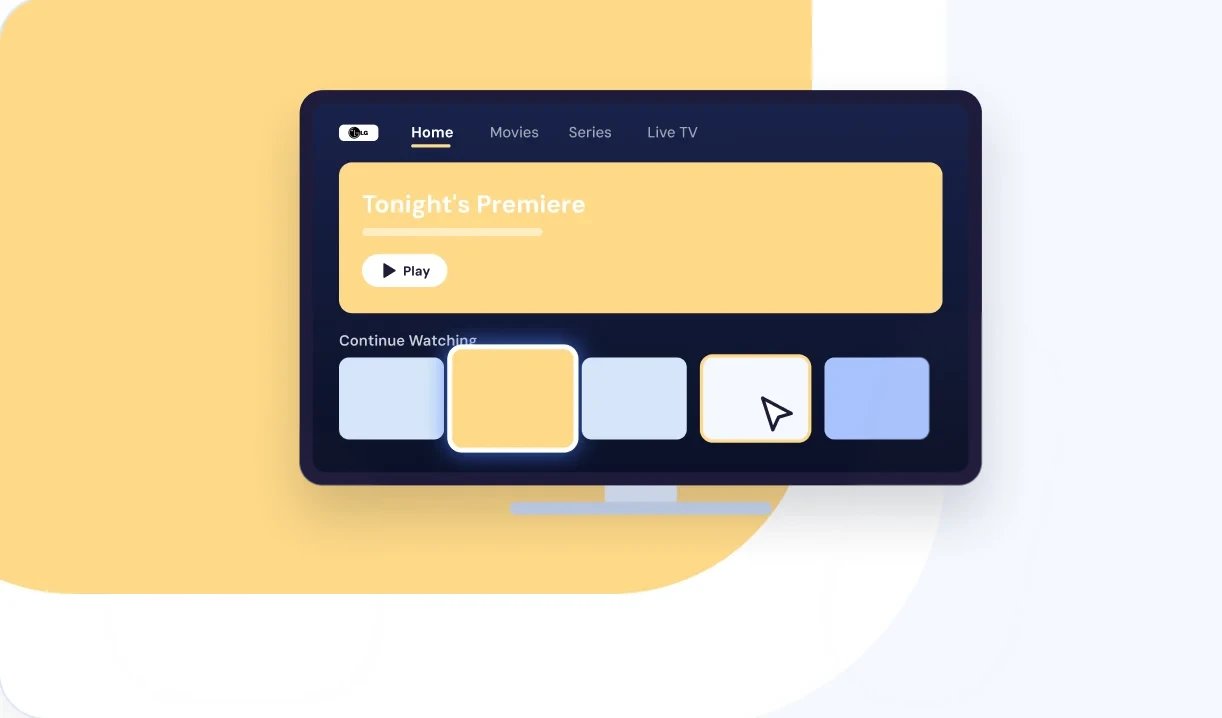
LG viewers either point at the screen with the Magic Remote or press arrow keys on a standard one. Both have to feel right, so we build for both in the same app.
Protected Playback
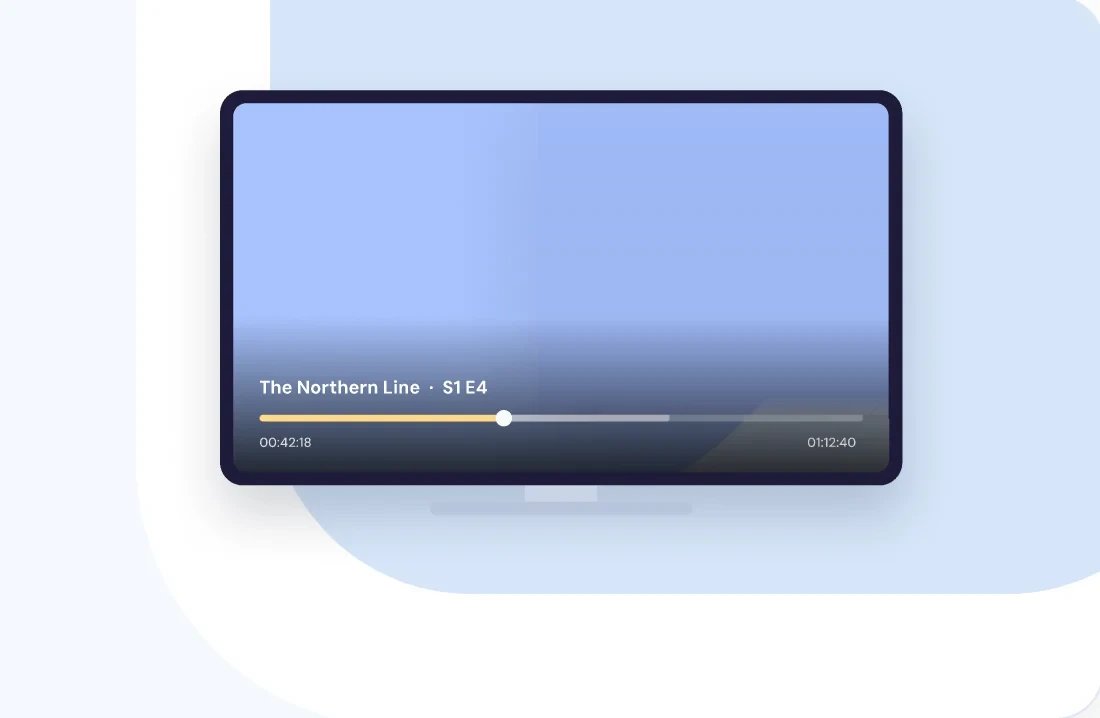
PlayReady and Widevine keep licensed content protected on LG TVs, with Widevine L1 on sets from 2017 onward. Rights holders get the protection level their agreements require.
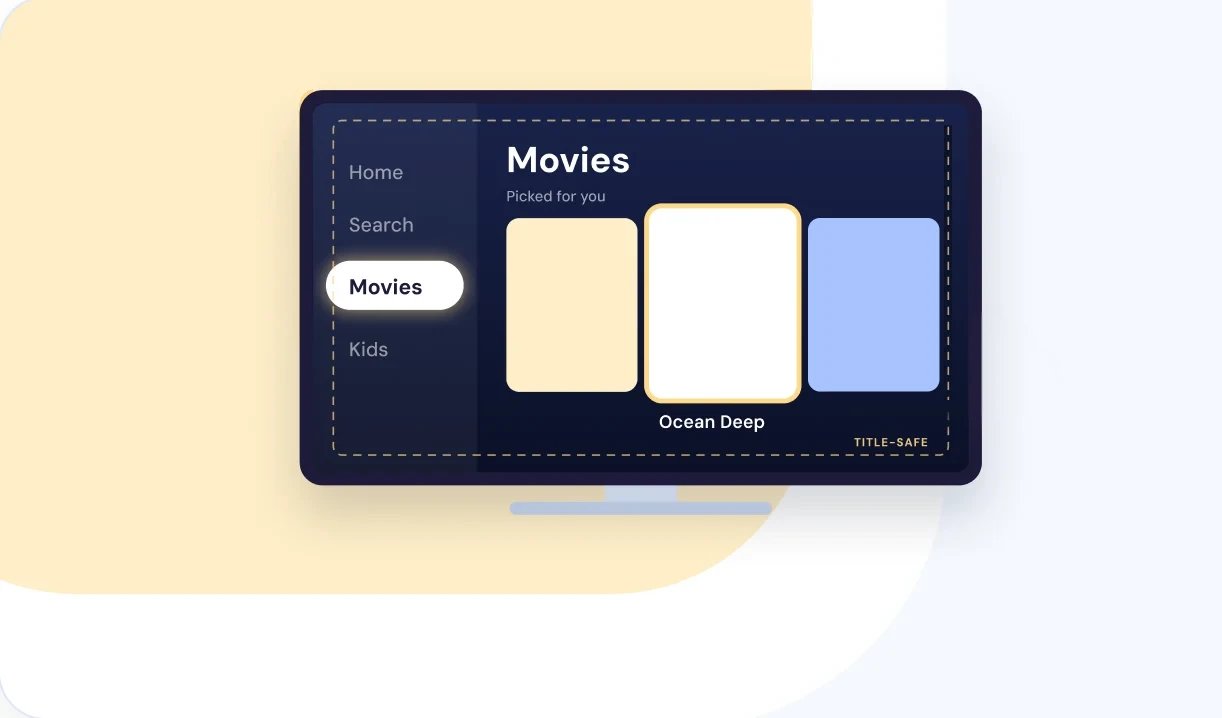
Readable From the Couch
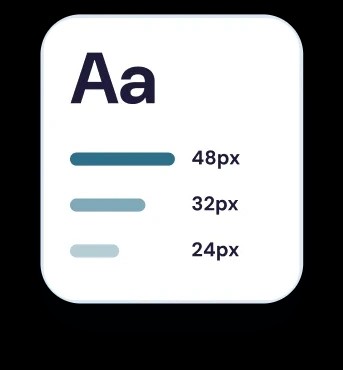
Type sizes, focus states, and spacing are set for a screen several meters away, so viewers can see where they are without leaning in.
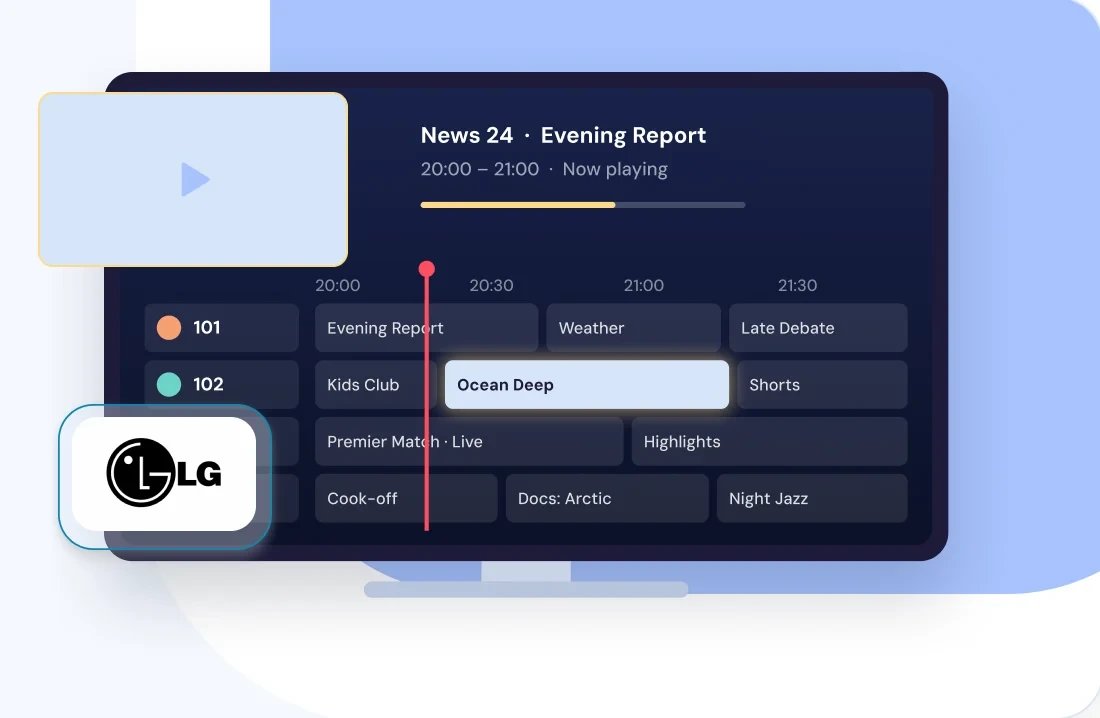
Live Channels and EPG
Live streams, a channel list, and a program guide viewers can browse ahead — the parts that make a service feel like television rather than a video list.


We HandleCertification and LG Content Store Submission
LG reviews every app before it goes live. Submission runs through Seller Lounge and needs the app package, store assets, a walkthrough document written for LG's testers, and a checklist filled in with your own test results.
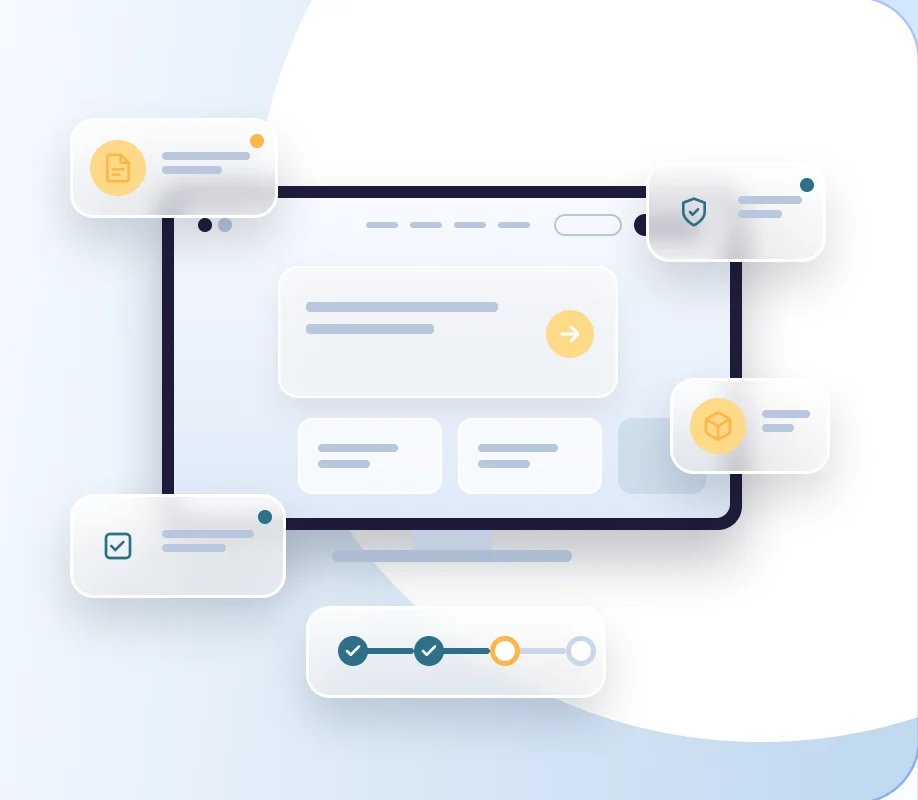
inoRain prepares everything and submits it to your company's LG Seller Lounge account, so the listing and the viewer relationship stay yours. Updates go through the same review, and we handle those too.
Monetize Your Content On Your LG TV App
LG doesn't run its own billing for TV apps, so payments go through your provider — Stripe, PayPal, or whatever you already use. That keeps your pricing, your currencies, and your subscriber records in one CMS across every platform you're on.
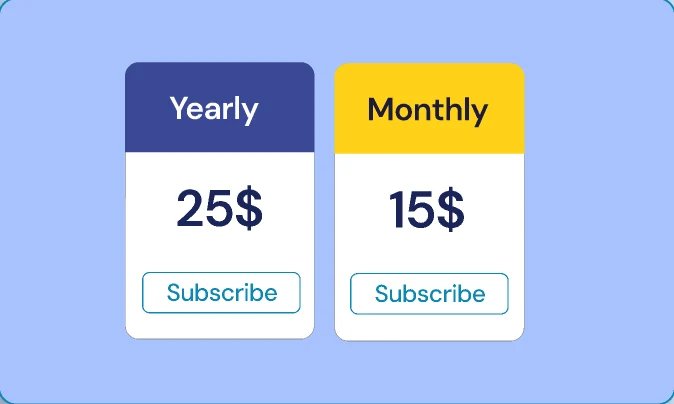
Subscriptions
Monthly or annual plans, with viewers signing in to the same account they use on web and mobile.
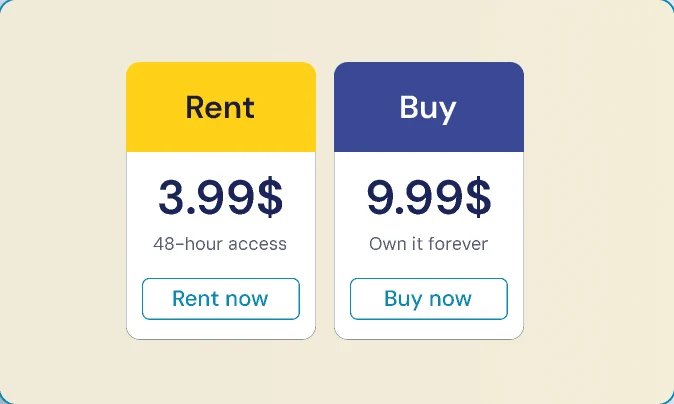
Rentals and purchases
Sell single titles or events alongside a subscription, or on their own.
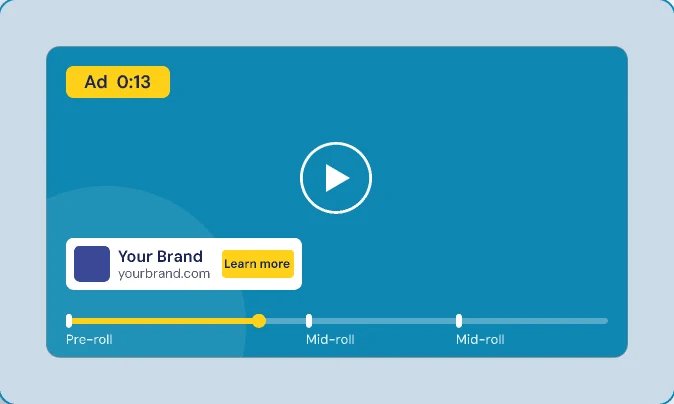
Advertising
Pre-roll and mid-roll ads on VOD and live, served through your ad stack.
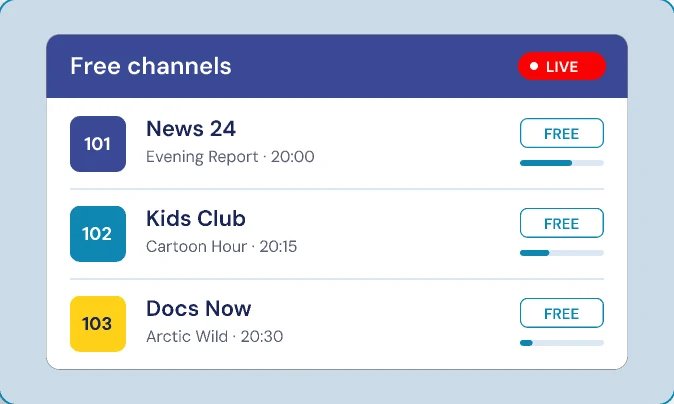
FAST channels
If you run free ad-supported channels, they sit in the same app as the rest of your catalog.