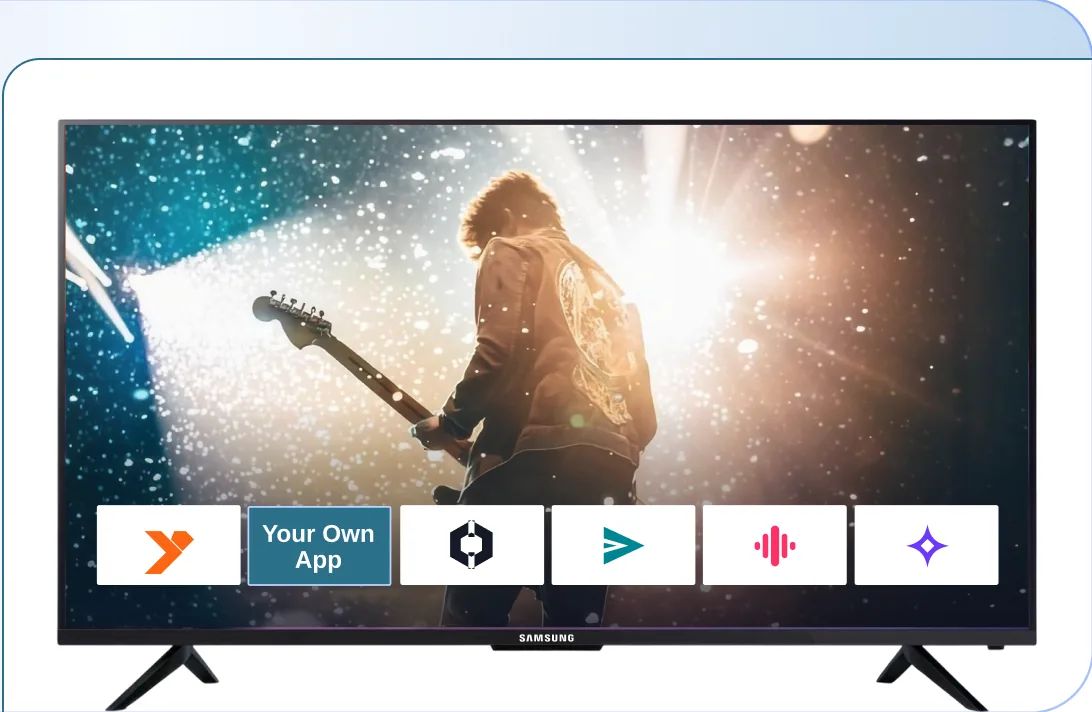
Create Your Own Roku TV App
You bring the brand, the content, and the business model. inoRain develops the app, passes Roku certification, and publishes it under your developer account.

NewNamed a Leader on G2
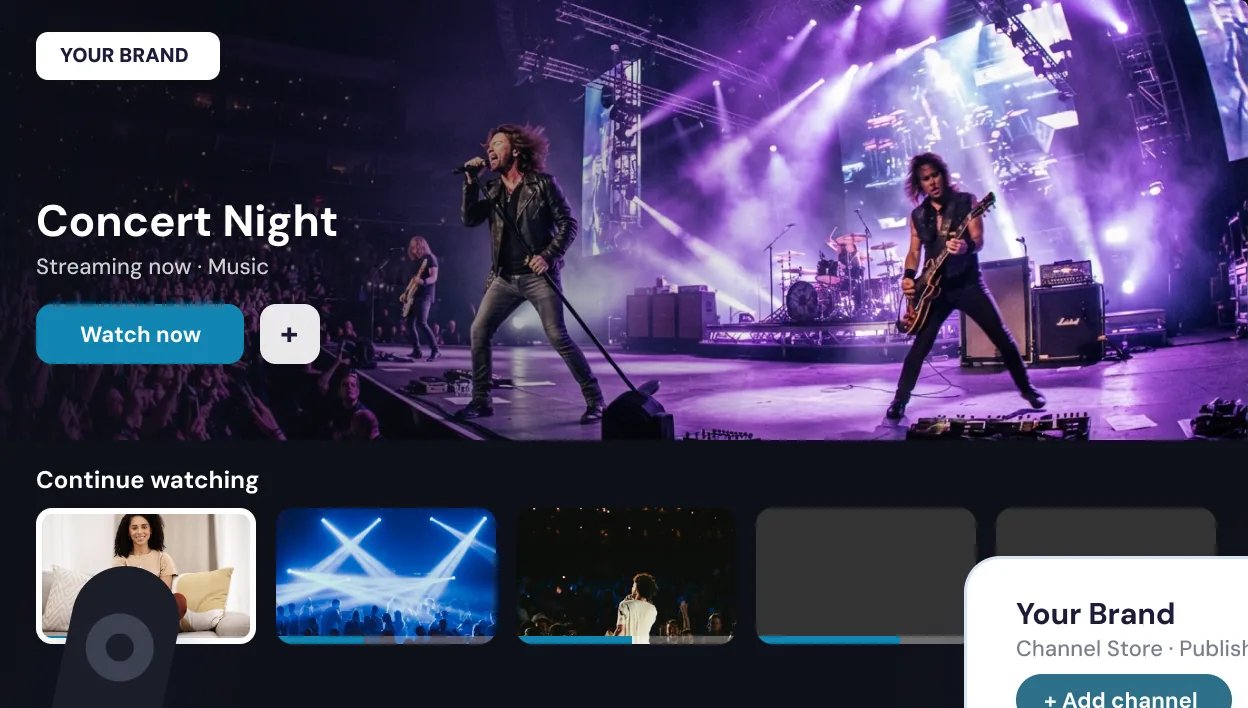
Create Your Roku App In 4 Steps
01Kickoff & Branding

Send your logo, colors, and app name. We map your Roku app to your brand.
02Build & Configure

Your player, EPG, categories, and monetization rules are set up around your content.
03Feed & Certification

We prepare your Roku Search feed and take the app through Roku’s certification review.
04Live In the Channel Store

Your app publishes under your own Roku developer account. You own it.
Everything You Need to Pass Roku’s Criteria
Roku runs its own language, UI framework, and review process. inoRain takes care of every nuance.

BrightScript and SceneGraph
Roku apps are written in Roku’s own language and UI framework.

Performance on Old Devices
Roku measures launch time, screen transitions, and playback start on low-spec players.

A Required Search Feed
Roku needs a JSON content feed for your titles to appear in search and voice results.

Roku’s Billing, Not Yours
Paid content has to run through Roku Pay. There is no way around it.

Roku’s Ad Framework
Video ads must be served through RAF in VAST or VMAP format.

Certification That Restarts
Review takes about a week, and one failed check sends you back to the start.
We handle all of it — the build, the feed, the submission, and the resubmissions if Roku sends anything back.
Your Roku App Development Made Smoother and Faster
With inoRain
- A working Roku app, already built and tested
- BrightScript and SceneGraph handled by our team
- Certification, resubmissions, and store updates handled
- One-time, per-platform app pricing
- Published under your developer account
Without inoRain
- Roku development starts at zero
- An in-house team is hired and kept
- Your engineers have to learn Roku’s certification rules
- Full engineering budget, per platform
- Store maintenance becomes a permanent job
Everything Your Roku App Must Have, In One Place
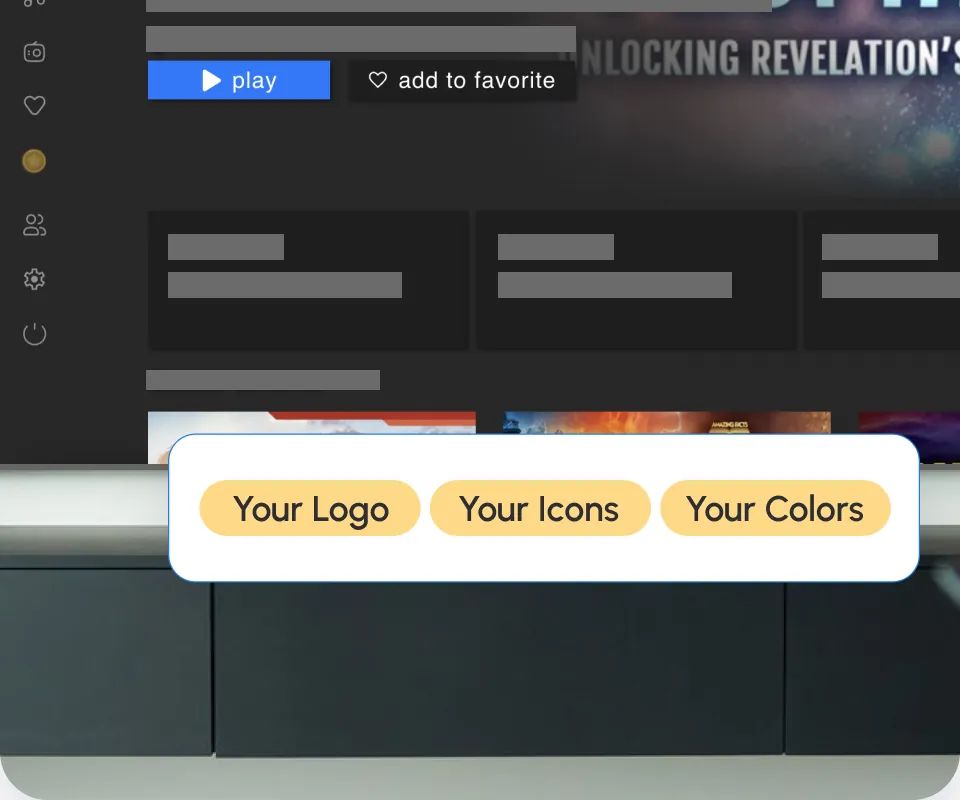
Your Brand on Screen
Logo, app name, icon, colors, and home layout are yours.
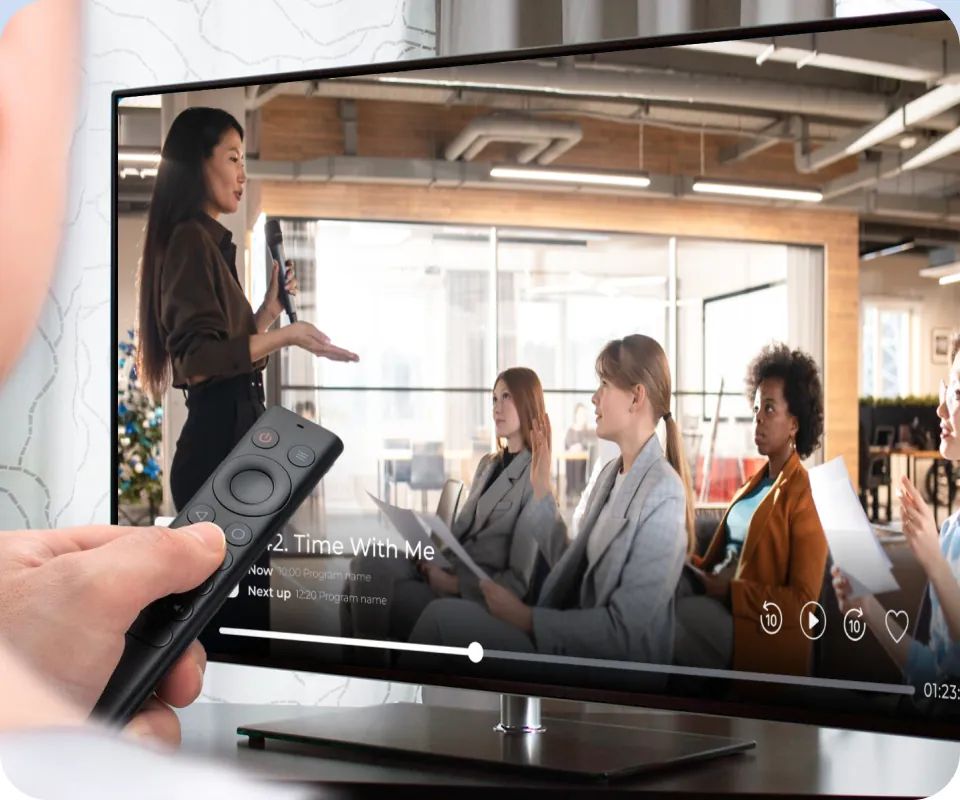
VOD and Live Together
On-demand library and live channels in one app.
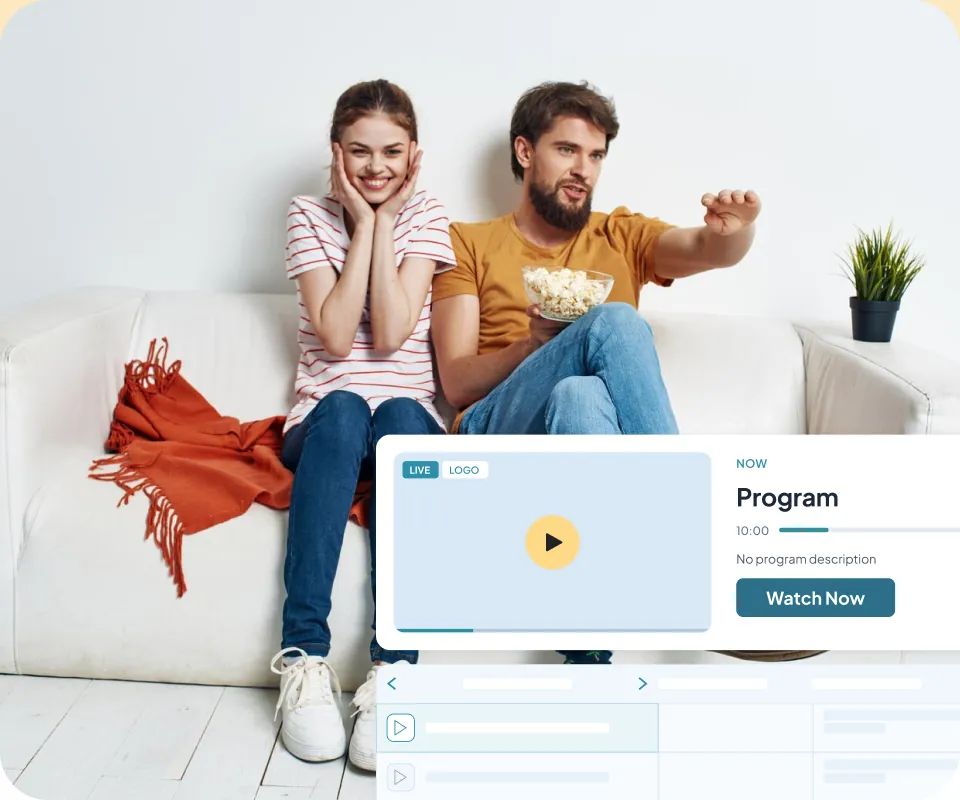
EPG for Live TV
Viewers browse what’s on now and what’s next.
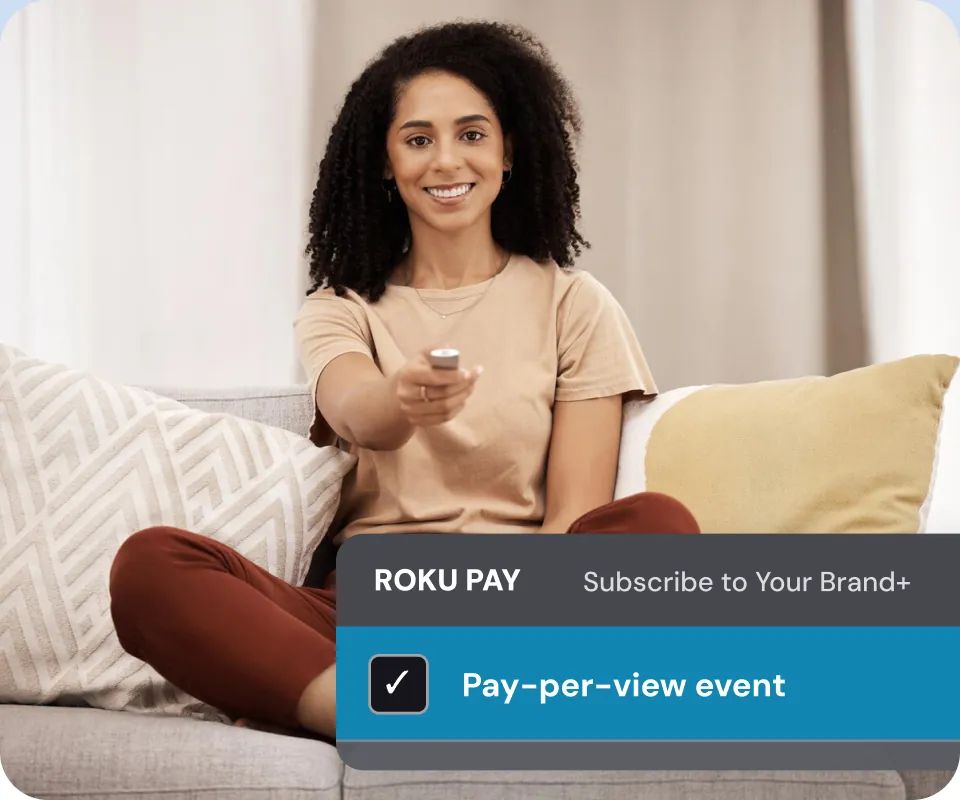
Roku Pay Billing
Subscriptions and pay-per-view handled inside Roku’s own checkout.
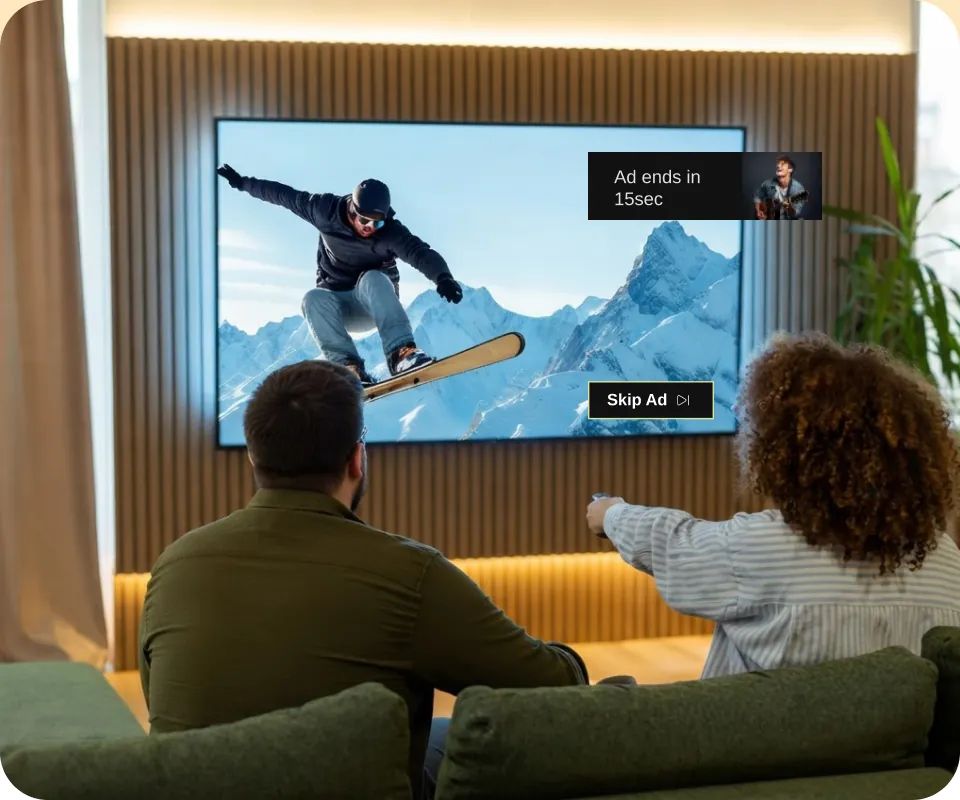
Ads Through RAF
VAST and VMAP ads served through Roku’s advertising framework.
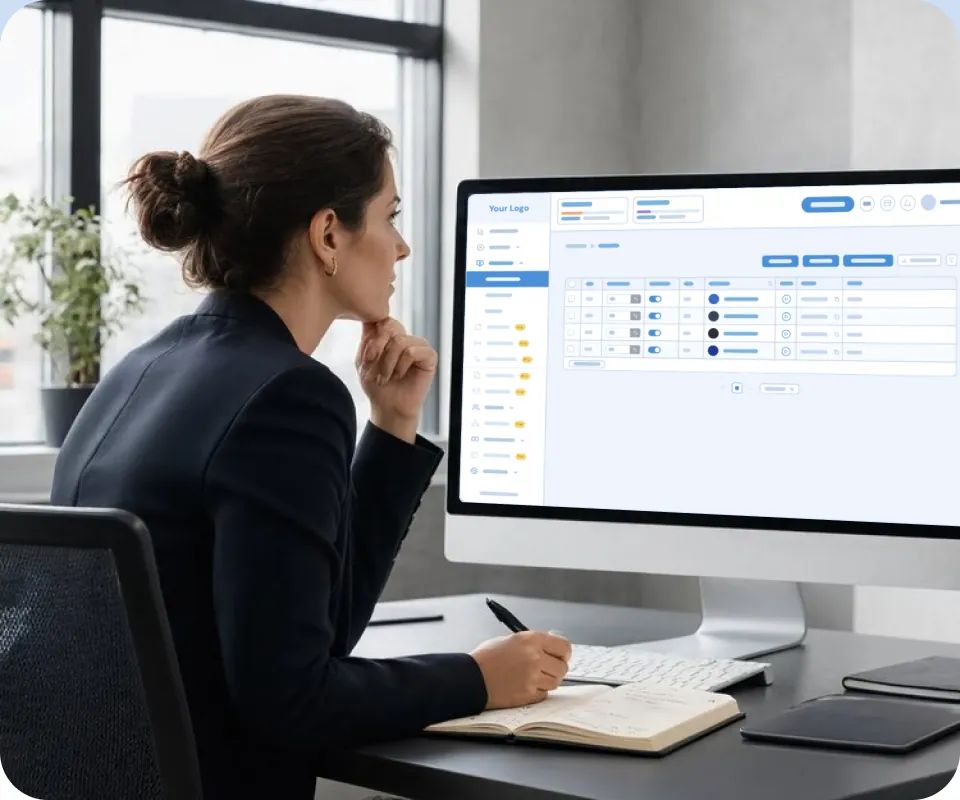
One CMS
The same panel that runs your Roku app runs the rest of your apps.
Brand, Customize and Edit Your TV App Your Way
Everything a viewer sees on your Roku app carries your identity and style.
Logo, App Name, & Icon
Your app appears in the Roku Channel Store under your own brand.
Colors, Typography, & Home Layout
Set your accent tones and arrange home screen rows around your content.
Player & EPG Behavior
Control subtitle rendering, playback controls, and how the program guide is laid out.
Languages & Regions
Set default interface languages and geo-specific content rules.
Flexible Monetization On Your Roku TV App
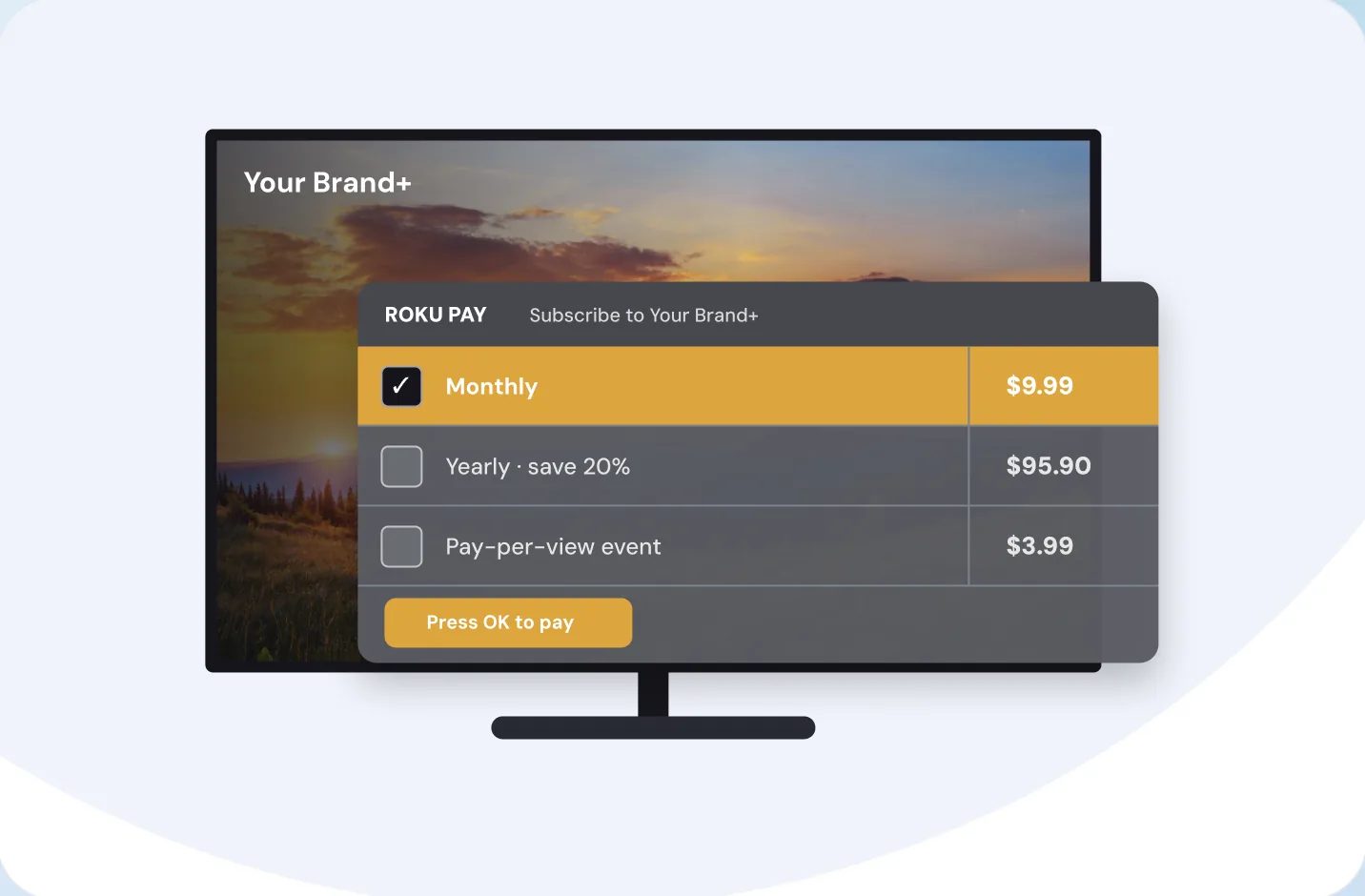
Roku requires its own billing for paid content on the platform. We set it up and connect it to your subscription plans, so the same viewer account works across your Roku app and your other apps.
Payment and Monetization Methods
Subscriptions
Monthly and annual plans are billed through Roku Pay, so viewers subscribe with the account they already have.
Pay-per-view
Sell a single film, match, or event without a subscription.

Advertising
Serve pre-roll and mid-roll ads through Roku’s advertising framework, compatible with Google Ad Manager, FreeWheel, and other ad servers.
Let’s Build Your Roku TV App
Book a Demo