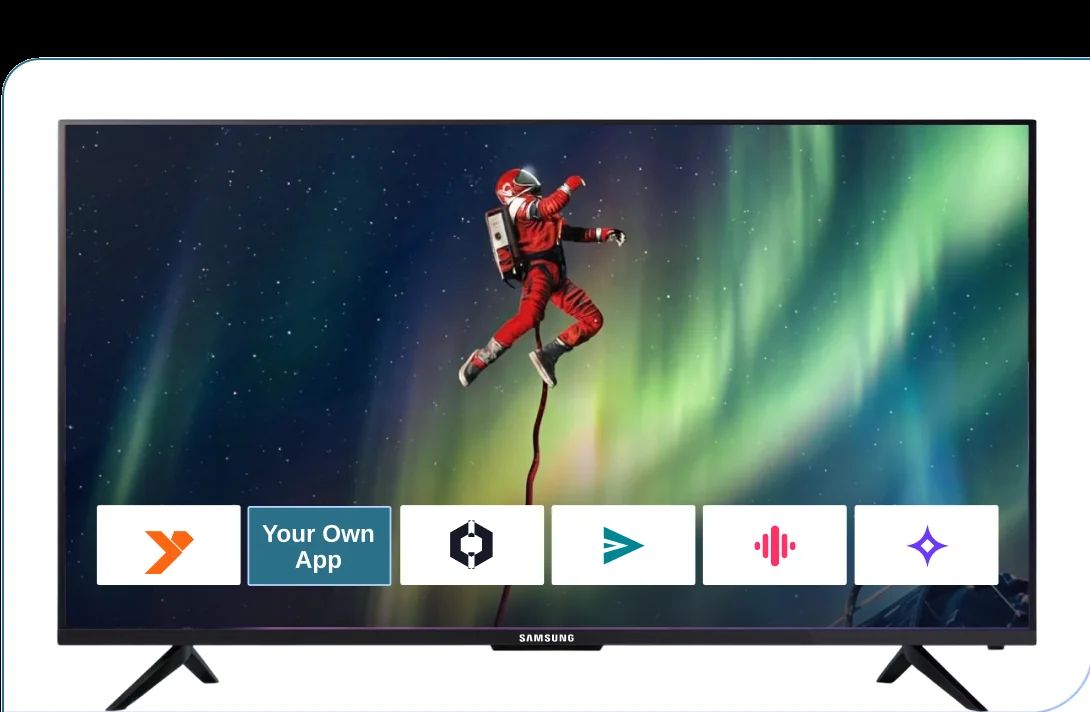
Stream On Samsung Smart TVs With Your Branded App
inoRain builds, certifies, and maintains your branded Tizen app for Samsung Smart TVs. Everything from live TV and VOD to EPG and DRM included.

NewNamed a Leader on G2
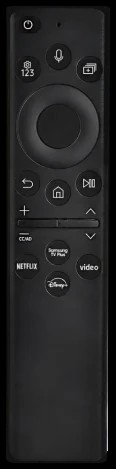
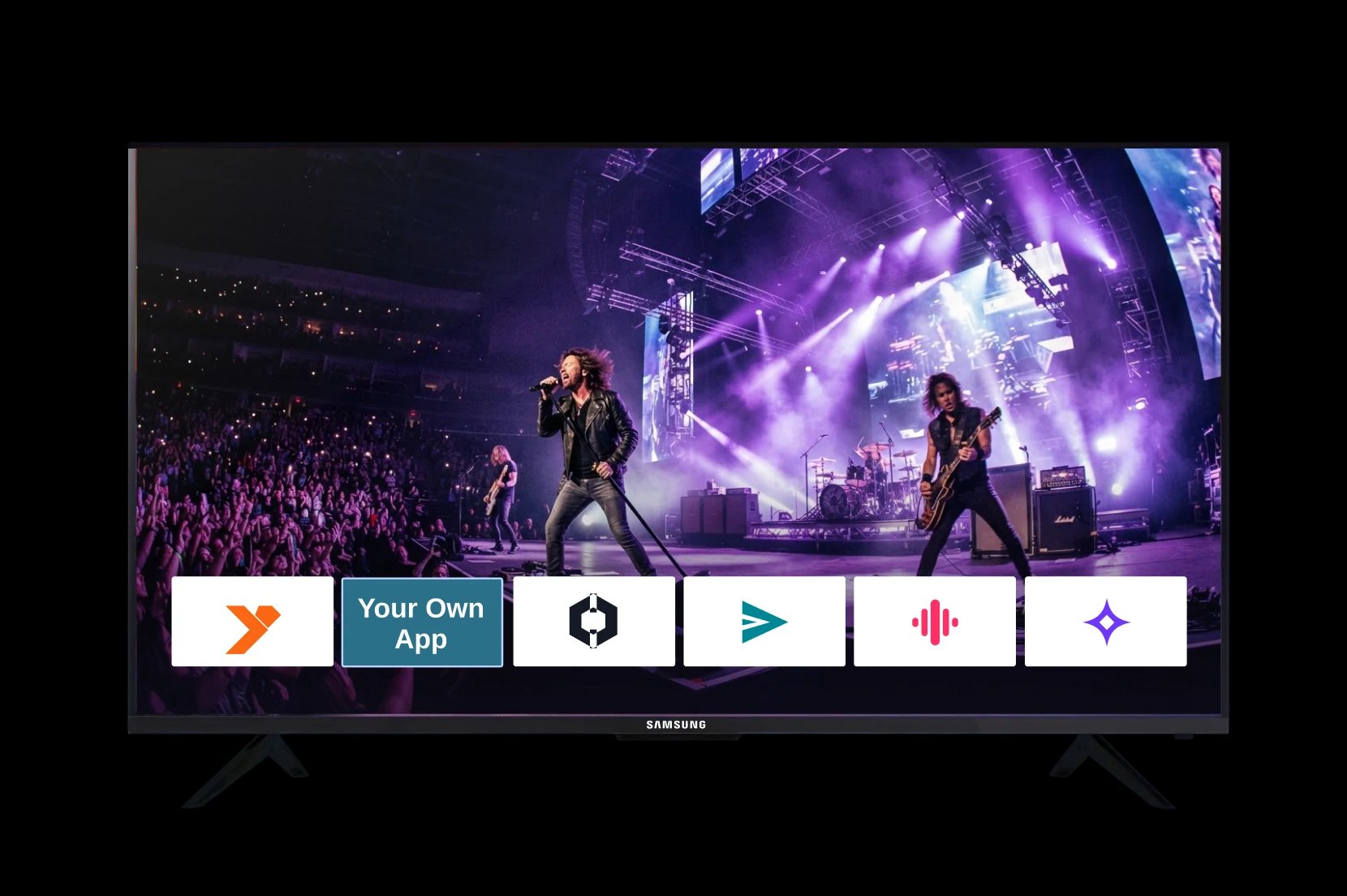
Build Your Samsung TV AppWithout Hiring a Tizen Team
Samsung TVs run Tizen — their own operating system, with its own SDK, store, and review team. Mobile or web developers can't build for it without learning a new platform from scratch.
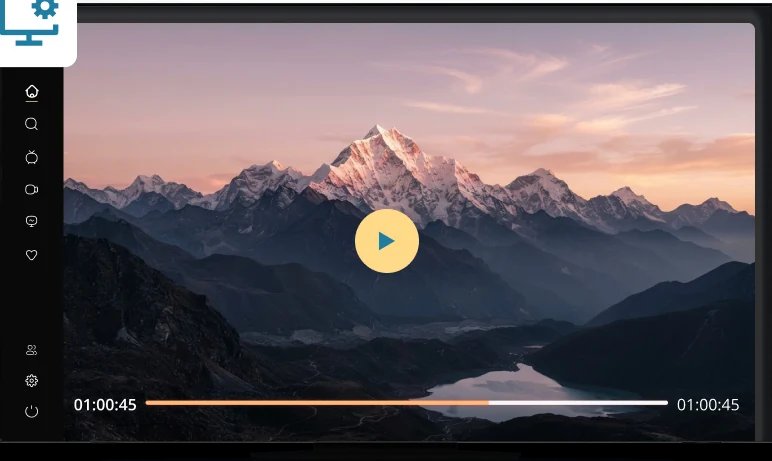

inoRain handles this for you: we build the Tizen app, connect it to your backend, take it through Samsung's certification, and keep it running as Samsung ships new firmware every year.
Everything Your Samsung TV App Needs, Built In

Your brand, your account
White-labeled and published under your own developer profile.

Live TV and EPG
Channel list, program guide, catch-up and timeshift.

Multi-DRM playback
PlayReady, Widevine and Verimatrix, matched to the TV.

Your backend or ours
Monthly or annual plans, sold on your own site or inside the app through Samsung Checkout.

Updates after launch
We handle new firmware, new models, and new versions.
How inoRain Builds Your Tizen TV App
- 01Kickoff and scope

We agree on the branding, the feature set, which TV model years you want to cover, and which countries the app is released in.
- 02Build
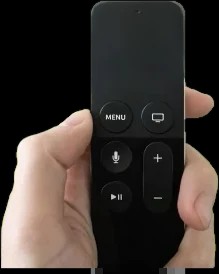
Your app is built as a native Tizen application against Samsung's SDK: remote-first navigation, Samsung's AVPlay media player, your player layout, your EPG grid, your home screen.
- 03Integrate
We connect the app to your content, your user accounts, and your subscription logic — through inoRain's CMS or through the backend you already run.
- 04Certify and submit
You upload your package, icons, screenshots, and UI documentation to Samsung's TV Seller Office. Automated pre-tests run first, then Samsung's QA team reviews the app against its Development Checklist.
- 05Launch and maintain
The app publishes to the model groups and countries you selected. After that, we handle updates, new Tizen versions, and new TV models.


Monetize Your Samsung TV App to The Fullest
Samsung Checkout is Samsung's own in-app purchase system, and inoRain integrates it. Every step between wanting your content and watching it costs you sign-ups. This removes most of them.
Payment and Monetization Methods

Users Pay With the Remote
Samsung Checkout handles it on the TV.

Use Your Own Billing
Keep web signup and log viewers in on the TV.

Subscriptions, Ads, or Rentals
SVOD, AVOD, and TVOD in the same app.
We Handle Certification and Samsung TV Store submission
Samsung reviews every app before it reaches a TV. Most delays come from not knowing the rules.

Per Model Group
Certified and published per TV generation, not once.

Per Country
Unselected countries don't see the app at all.

Beta First
Test with real viewers on 2021+ sets before launch.

Phased Updates
New versions reach a few TVs before all of them.
Samsung publishes no fixed review time — it depends on how many rounds of corrections an app needs. We prepare the submission so there are no delays on your side.
Let inoRain Handle Your Tizen TV App Development
Book a Demo