- TV wall
- webOS
TV Wall, webOS mouse control, and a more dynamic interface
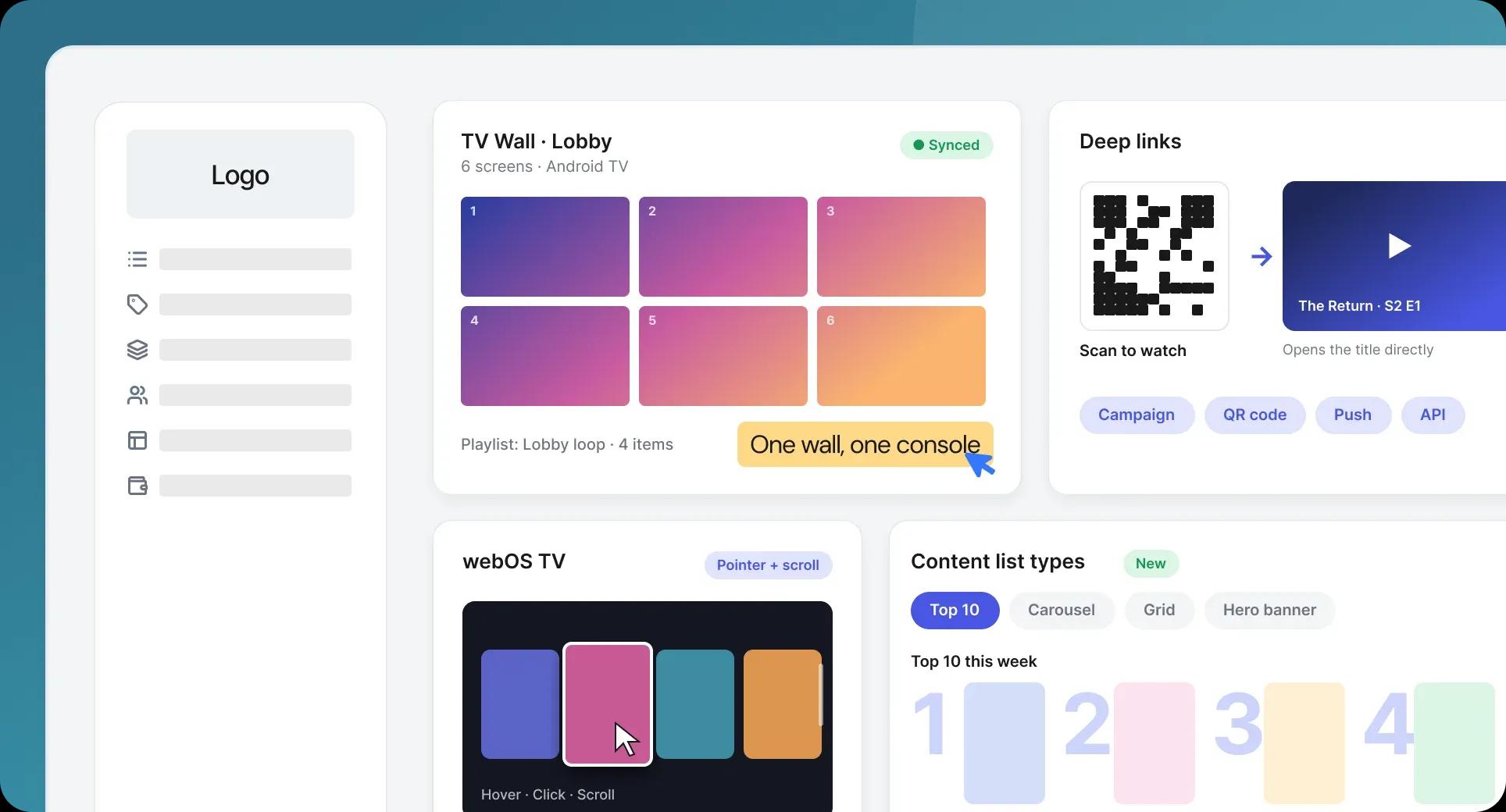
This release is about the big screen: deploying many of them at once, navigating them more naturally, and making what's on them easier to browse.
TV Wall
You can now deploy and manage multiple Android TV applications across synchronized screen grids. Video walls in retail, hospitality, stadiums and public venues become something you run from the platform rather than a separate installation per screen.
Deep links from campaigns and QR codes
Deep links now also open content directly from marketing campaigns, QR codes, push notifications and external integrations. The journey from a poster in a venue to a playing title is a single scan.
Mouse control on webOS TV
webOS TV devices now support full mouse navigation - pointer movement, clicks, scrolling, hover states and contextual interactions. On devices where viewers have a pointer, the app behaves like one built for it instead of one built for a d-pad.
Dynamic interface and new content list types
A significant interface refresh introduces versatile new content list types, giving you more ways to present a catalog and viewers faster routes to something they want to watch.
The screen in the living room, the wall in the lobby, and everything in between.