OTT Migration Guide: Plan, Move & Launch | inoRain


Your streaming service works - but it's holding you back. The monetization options are too rigid, the costs keep climbing, support is slow, and every new device request turns into a project. You know you've outgrown your current OTT (Over-The-Top) platform, but the thought of moving your entire service somewhere else feels risky. What happens to your content library, your subscribers, your billing, your apps?
That anxiety is exactly why so many operators stay put on platforms they've outgrown. But staying isn't free either - the wrong platform quietly erodes the subscribers you already have and caps the revenue you could be earning.
Migrating your OTT platform is far more predictable than it feels. Here's how to move your streaming platform to a new OTT solution step by step - and how to do it without losing subscribers, content, or uptime.
What is OTT Migration?
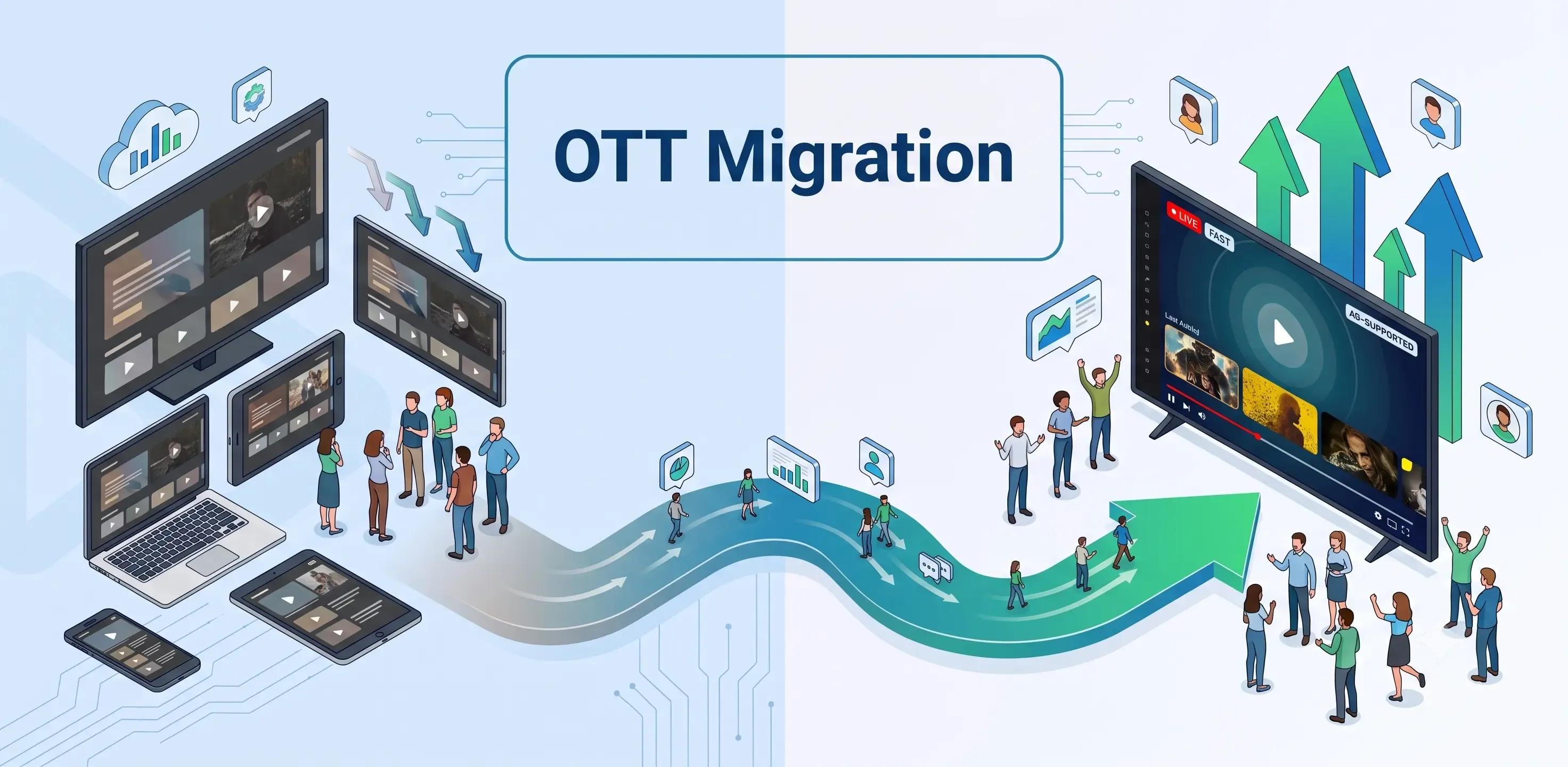
OTT migration is the process of moving a streaming service - its content library, subscribers, billing, and apps - from one OTT platform to another with minimal disruption. It's the difference between switching providers and starting over.
Unlike building a platform from scratch, migration assumes you already have a live service with real subscribers, real revenue, and real content. The goal isn't to launch something new; it's to carry everything you've built onto better infrastructure without your audience noticing the seams. Done well, viewers keep watching, subscribers keep paying, and your catalog stays intact - they simply land on a faster, more flexible platform.
That distinction shapes every decision that follows, starting with why operators take on a migration in the first place.
Why do Businesses Migrate Their OTT Platform?
Businesses migrate their OTT platform when their current provider limits growth, monetization, or control. The trigger is rarely a single failure - it's the accumulation of friction that starts costing subscribers and revenue.
The most common reasons include:
- Rigid monetization. The platform can't support the mix of SVOD, ad-supported (AVOD), transactional (TVOD), FAST channels, and hybrid models you need. This matters more every year - the US AVOD market alone is projected to grow from $18.52 billion in 2025 to $73.42 billion by 2033 (SNS Insider, 2025), and operators locked out of ad revenue leave money on the table.
- Escalating or opaque costs. Pricing that balloons with scale, or bundles you can't unbundle.
- Limited device and app coverage. Gaps on the smart TVs, mobile platforms, and set-top boxes your audience actually uses.
- Weak analytics. No clear view of watch time, churn drivers, or ARPU (Average Revenue Per User).
- Vendor lock-in and slow support. Roadmaps you can't influence and tickets that sit for weeks.
Once you know why you're migrating, the next step is understanding exactly what you're moving.
What to Plan Before You Migrate
Before choosing a destination, audit everything you're carrying over: your content library, subscriber and billing data, apps, and integrations. A migration fails when teams discover mid-move that a data set, an integration, or a device build was never accounted for.
A thorough pre-migration audit covers four areas.
Inventory your content catalog and metadata
Catalog every asset - video files, live channels, artwork, subtitles, and the metadata that makes content discoverable. Metadata is where migrations quietly break, so document your categories, tags, and content relationships before anything moves.
Map subscribers, plans, and billing
List every subscription tier, promotional plan, and payment method in use, along with billing cycles and renewal dates. This map becomes the blueprint for keeping revenue continuous during the switch.
List your apps and devices
Document every app you run - web, iOS, Android, smart TV, and set-top box - and note which ones will need to be rebuilt or resubmitted to app stores on the new platform.
Document your integrations
Record every connected system: your CMS (Content Management System), CRM, payment gateway, DRM (Digital Rights Management) provider, and analytics tools. Each integration is a thread that must be reconnected on the other side, ideally through open APIs (Application Programming Interfaces).
With a complete inventory in hand, the migration itself becomes a sequence of manageable steps.
How to Migrate Your OTT Platform Step by Step
Migrating your OTT platform is a phased process: choose the destination, move your content, migrate subscribers and billing, rebuild your apps, re-provision content security, test in parallel, then cut over. Each phase builds on the last, and skipping ahead is where downtime creeps in.
Step 1 - Choose the right destination platform
Select a platform that supports your content types, monetization models, target devices, and integration needs - and that offers hands-on migration support. This is the decision everything else depends on, so weigh it against the audit you just completed rather than a feature checklist alone.
Step 2 - Migrate your content catalog and metadata
Transfer your video assets and, just as importantly, the metadata that organizes them. A strong platform ingests your existing catalog structure so you're not rebuilding categories, artwork, and tags by hand.
Step 3 - Migrate subscribers, plans, and billing
Move your subscriber records, subscription tiers, and billing relationships so that active subscribers experience no interruption. Continuity here is non-negotiable: a subscriber who has to re-register or re-enter payment details is a subscriber you can lose in a single click.
Step 4 - Rebuild and republish your apps
Recreate your apps on the new platform and resubmit them to the relevant app stores. White-label OTT platforms streamline this by generating branded apps across devices, so your identity carries over intact.
Step 5 - Re-provision DRM and content security
Reconfigure your DRM and content protection on the new platform before launch. Studios and content partners expect their licensing terms to be enforced without a gap, so this step is verified, not assumed.
Step 6 - Test everything in parallel
Run the new platform alongside the old one and test playback, sign-in, billing, and every app across real devices. Parallel testing catches the edge cases - a broken renewal, a device that won't cast, a missing subtitle track - while the live service is still safely running elsewhere.
Step 7 - Cut over and monitor
Switch traffic to the new platform during a low-usage window, then monitor playback, sign-ins, and payments closely in the first days. Keep the old environment on standby until the new one is proven under real load.
If launching a white-label OTT platform with migration support built in sounds like the smoother path, see how inoRain's OTT platform handles migration. Getting the sequence right is only half the job - the other half is protecting the subscribers you're moving.
How to Migrate Without Losing Subscribers or Uptime
You migrate without losing subscribers by running the old and new platforms in parallel, communicating with your audience proactively, and cutting over during a low-traffic window. The aim is a switch your viewers never feel.
Three practices make the difference. First, keep both platforms live during the transition so you always have a working fallback. Second, tell subscribers what's changing before it changes - a short heads-up prevents the confusion that drives cancellations. Third, schedule the final cutover for your quietest hours and watch your metrics in real time.
The stakes are concrete. Weighted-average SVOD churn stabilized at a healthy 4.6% in 2025 (Antenna, 2026), but a botched migration - lost logins, failed renewals, missing content - can undo that stability overnight. Protecting continuity is protecting revenue.
Once you're confident the move itself is safe, the question becomes what to look for in the platform you're moving to.
What to Look for in a New OTT Platform
Look for a platform that gives you white-label control, flexible monetization, broad device coverage, open APIs, strong analytics, and real migration support. Those six capabilities separate a platform you'll grow into from one you'll outgrow again in two years.
| What to look for | Why it matters |
|---|---|
| White-label control | Your brand, your apps, your subscriber relationship - not the vendor's. |
| Flexible monetization | Support for SVOD, AVOD, TVOD, FAST, and hybrid models as your strategy evolves. |
| Broad device coverage | Web, mobile, smart TV, and set-top box reach where your audience watches. |
| Open APIs | Clean integration with your CMS, CRM, billing, and analytics stack. |
| Actionable analytics | Visibility into watch time, churn, and ARPU to steer decisions. |
| Migration support | Hands-on help moving content, subscribers, and apps - not a self-serve manual. |
Flexible monetization deserves extra weight. Ad-supported viewing is climbing fast - total hours watched on free ad-supported services grew 43% year over year (Comscore, 2025) - so a platform that boxes you into a single revenue model limits your future. White-label OTT platforms, like those inoRain provides, let operators run multiple monetization models under their own brand without surrendering subscriber revenue.
That combination of control and flexibility is where the right migration partner earns its place.
How inoRain Supports Your OTT Migration
inoRain is a full-stack, white-label OTT solution service provider built to onboard operators who already have a live service, carrying over content, subscribers, apps, and monetization models with hands-on migration support. The platform is designed for the exact scenario this guide describes: a business that has outgrown its current provider and needs to move without disruption.
That means ingesting your existing catalog and metadata, preserving subscriber and billing continuity, generating branded apps across devices, and supporting SVOD, AVOD, TVOD, and FAST models from day one. Whether you're a TV operator, an ISP, or a content business, the platform is built to fit how you already work. Instead of handing you a manual, inoRain's team works alongside yours through planning, testing, and cutover. If you're weighing a move off your current provider, contact us to map out your migration.
Conclusion
OTT migration isn't a gamble - it's a managed process, and the operators who treat it that way move to better platforms without losing a single subscriber. As linear audiences keep shrinking and ad-supported streaming keeps expanding, the cost of staying on a platform that limits your monetization and control only grows.
The businesses that act now get to choose their timing and protect their subscribers on the way over. Those that wait eventually migrate anyway - just under more pressure and with less room to plan.
If you're ready to move your streaming service onto a platform built for flexibility and growth, inoRain's team can map out your migration step by step. Talk to us about migrating your OTT platform and start the move with a plan, not a leap.
Frequently Asked Questions

Content Writer
Anahit is a technical content writer and digital marketing specialist who focuses on B2B content about IPTV, multiplatform media, and digital technologies. She creates clear and engaging content about modern media technologies. Her goal is to help readers easily understand complex topics and stay informed about the latest innovations in digital media.
Subscribe to Our OTT Blog
Want to learn more about OTT technology and monetization? Leave your best email here, and we'll keep you updated with our weekly articles.
Loading...